

Windows 11 Introduces Adjustable Right-Click Zone for Laptop Touchpads
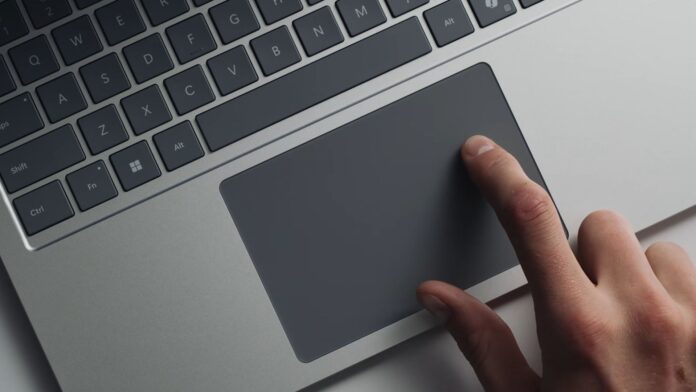
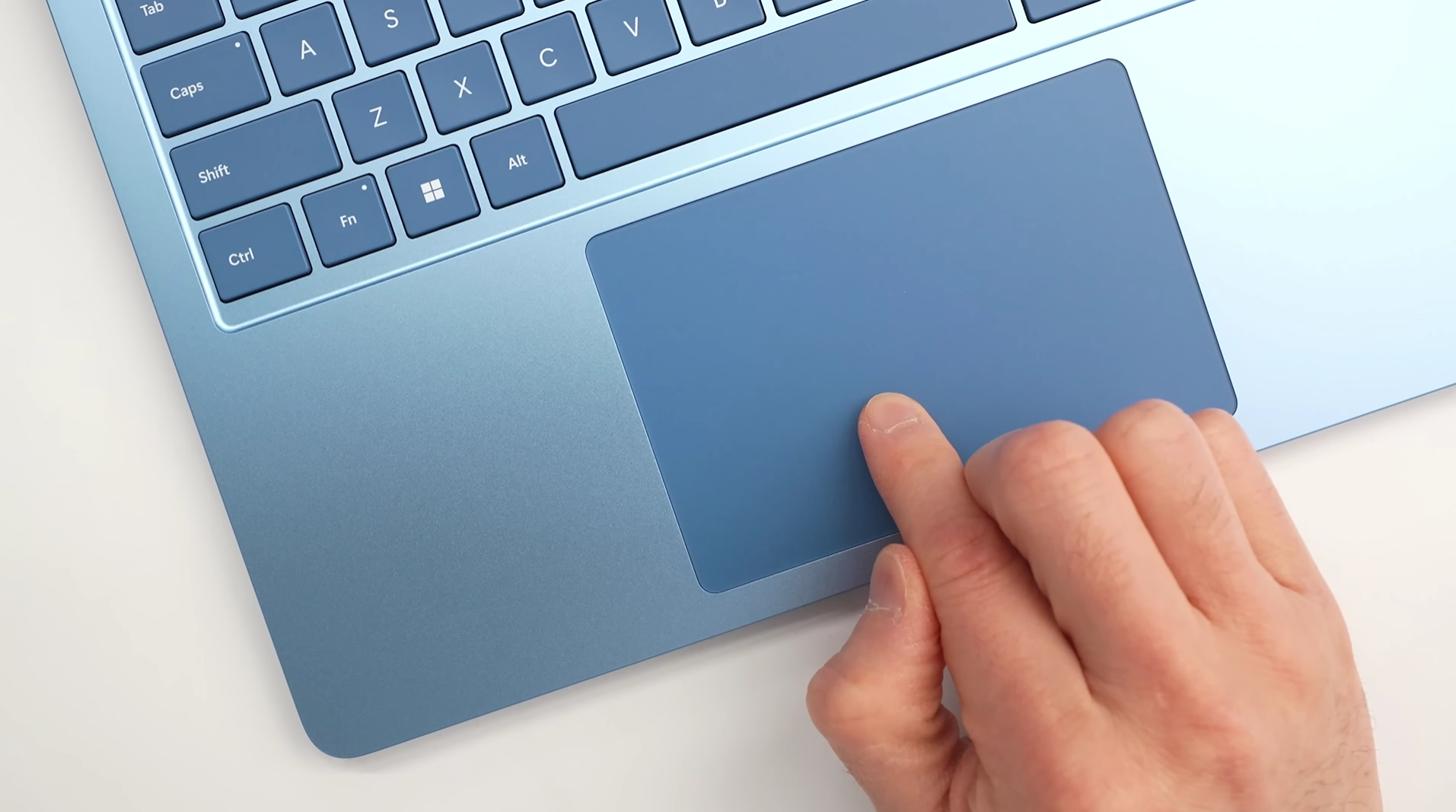
MS has officially rolled out a new feature in Windows 11 that allows users to resize the right-click zone on laptop touchpads. This update gives users direct control over the size of the bottom-right-click region, aiming to minimize accidental clicks on precision touchpads and make right-clicking more intuitive.
Feature Release Timeline
The feature was first introduced in Insider testing on March 30, 2026, and later became part of the optional preview update KB5095093 on June 23. It has now been included in the mandatory July 2026 Patch Tuesday update, released as KB5101650 on July 14 (OS builds 26100.8875 and 26200.8875 for versions 24H2 and 25H2).
How to Adjust the Right-Click Zone
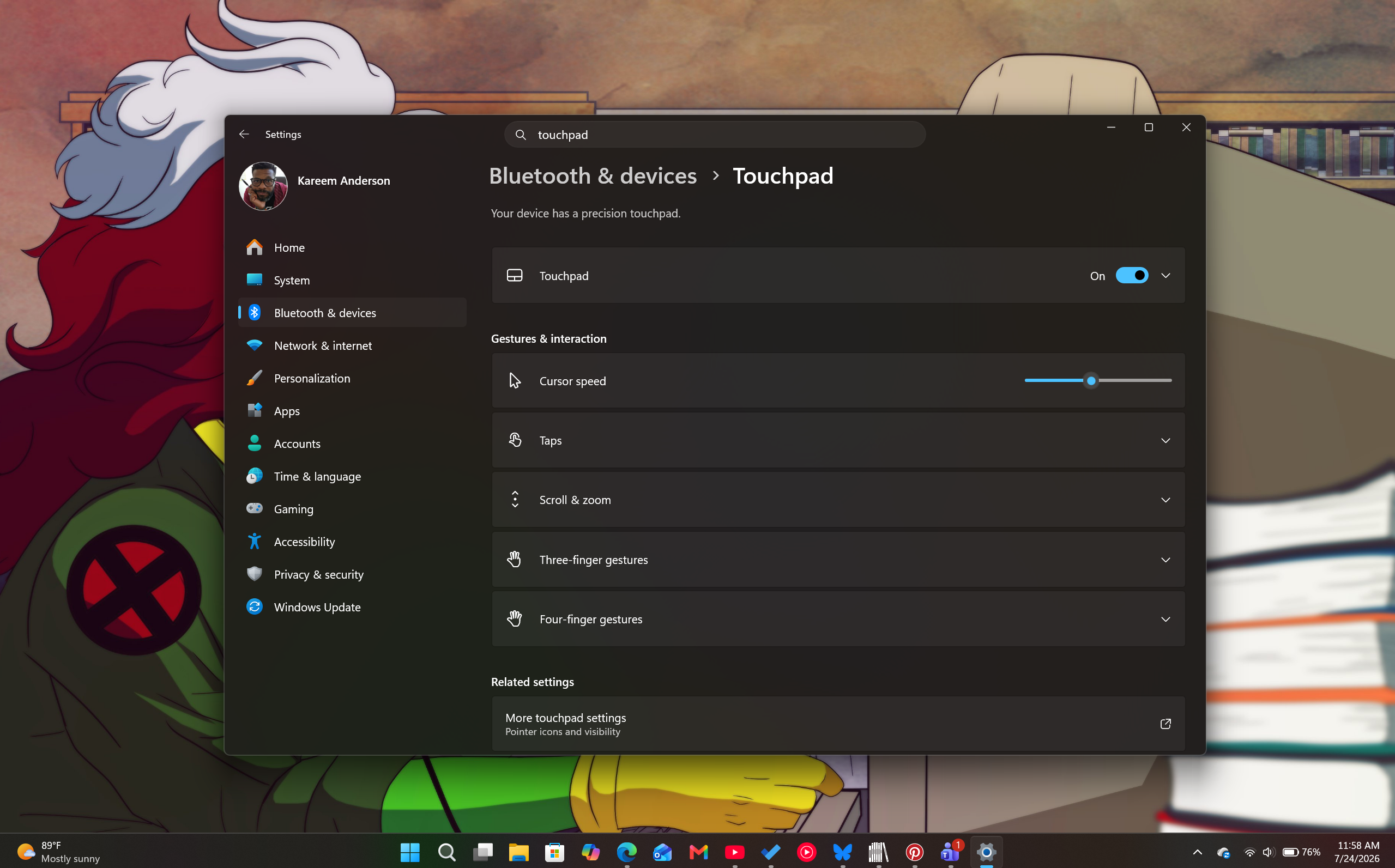
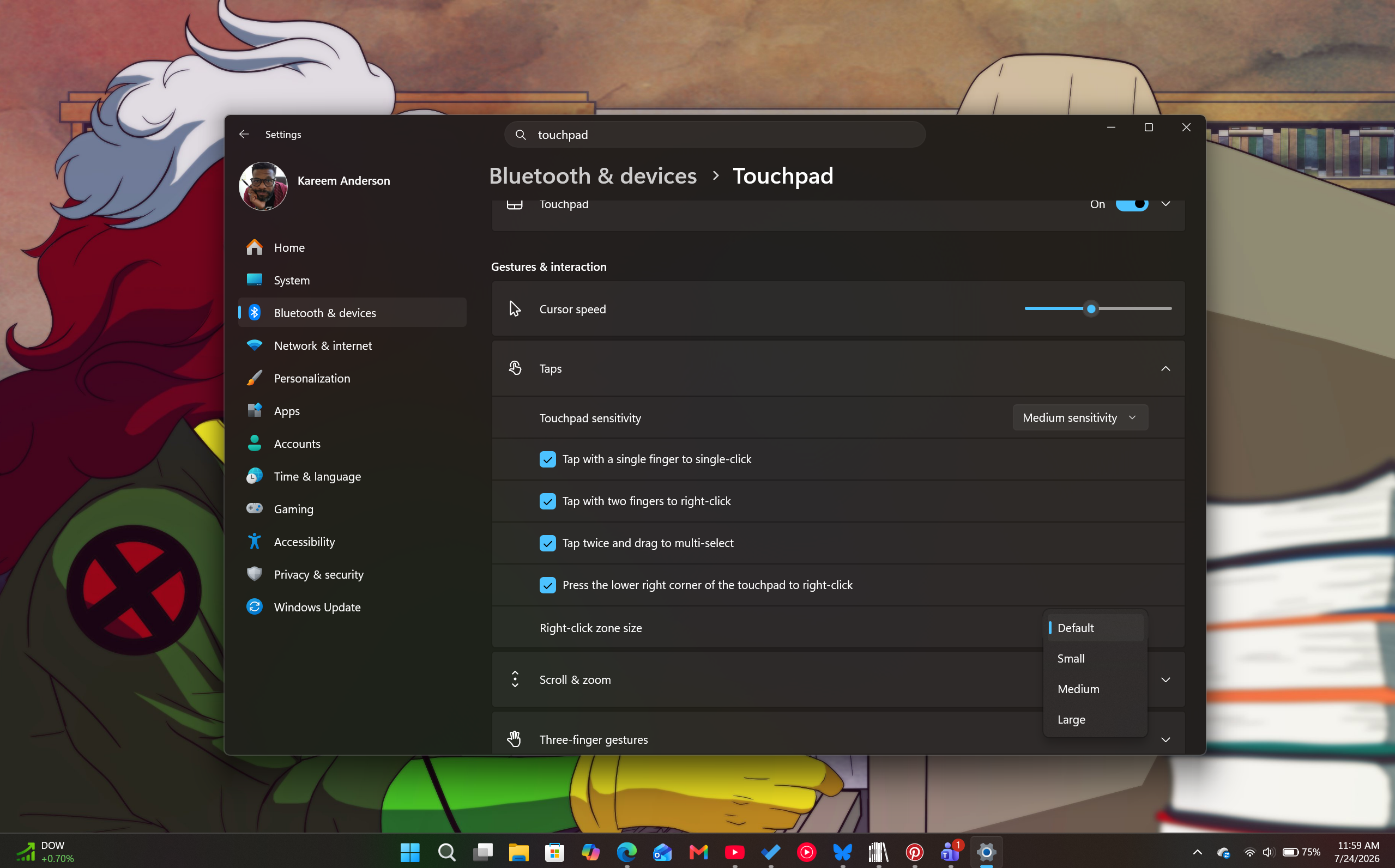
According to MS, users can now customize the size of the right-click zone via the following path:
Settings > Bluetooth & Devices > Touchpad. From there, you can select one of four presets—Default, Small, Medium, or Large. On certain devices, a Custom option may also be available if the OEM provides additional tuning support.
It’s important to note that this feature is only supported on touchpads with a pressable surface.
Historical Context
Support for resizing the right-click zone is a first in Windows history. While advanced users previously relied on registry hacks or third-party software like AutoHotkey to achieve similar functionality, the July 2026 update integrates this feature directly into the Settings app for broader accessibility.
Comparison with macOS
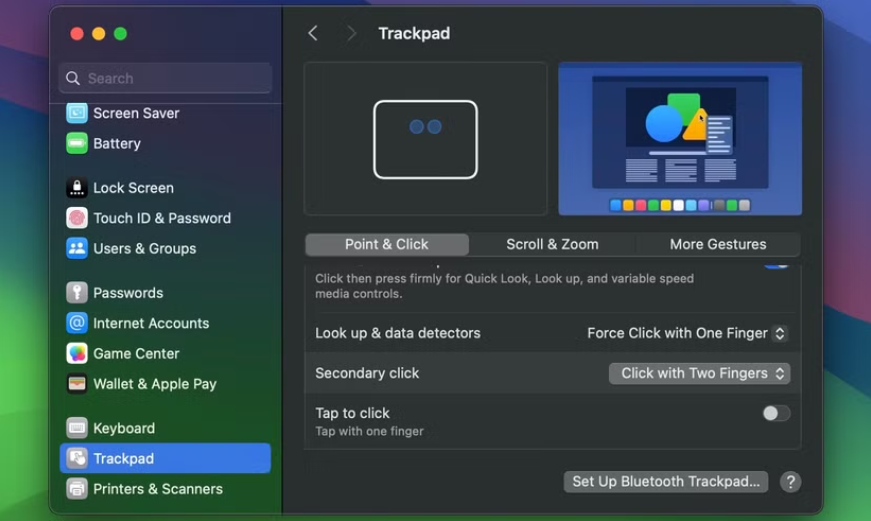
Interestingly, macOS does not offer a similar feature that allows users to resize the right-click zone. While macOS lets users define where a right-click occurs, the boundaries of the zone are fixed and cannot be adjusted. On a Mac, right-click settings can be configured through:
- System Settings > Trackpad > Point & Click
- Under Secondary Click, users can choose one of three options: Click with two fingers, Click in bottom-right corner, or Click in bottom-left corner.
While this Windows enhancement may seem minor to some, it reflects MS’s continued effort to refine user experience. It’s an acknowledgment that Windows is catching up in areas where macOS has traditionally been more polished.
Windows 11’s Precision Haptic Touchpads: A Step Forward
MS has been steadily improving haptic feedback in Windows 11, and the adjustable right-click zone is just one part of a broader initiative to enhance touch-based interactions.
New Haptics Design Guidelines
In June 2026, MS released its official Haptics Design Guidelines for developers. This included the introduction of the InputHapticsManager API, which enables apps to trigger specific vibration patterns on supported devices, such as mice, touchpads, and styluses.
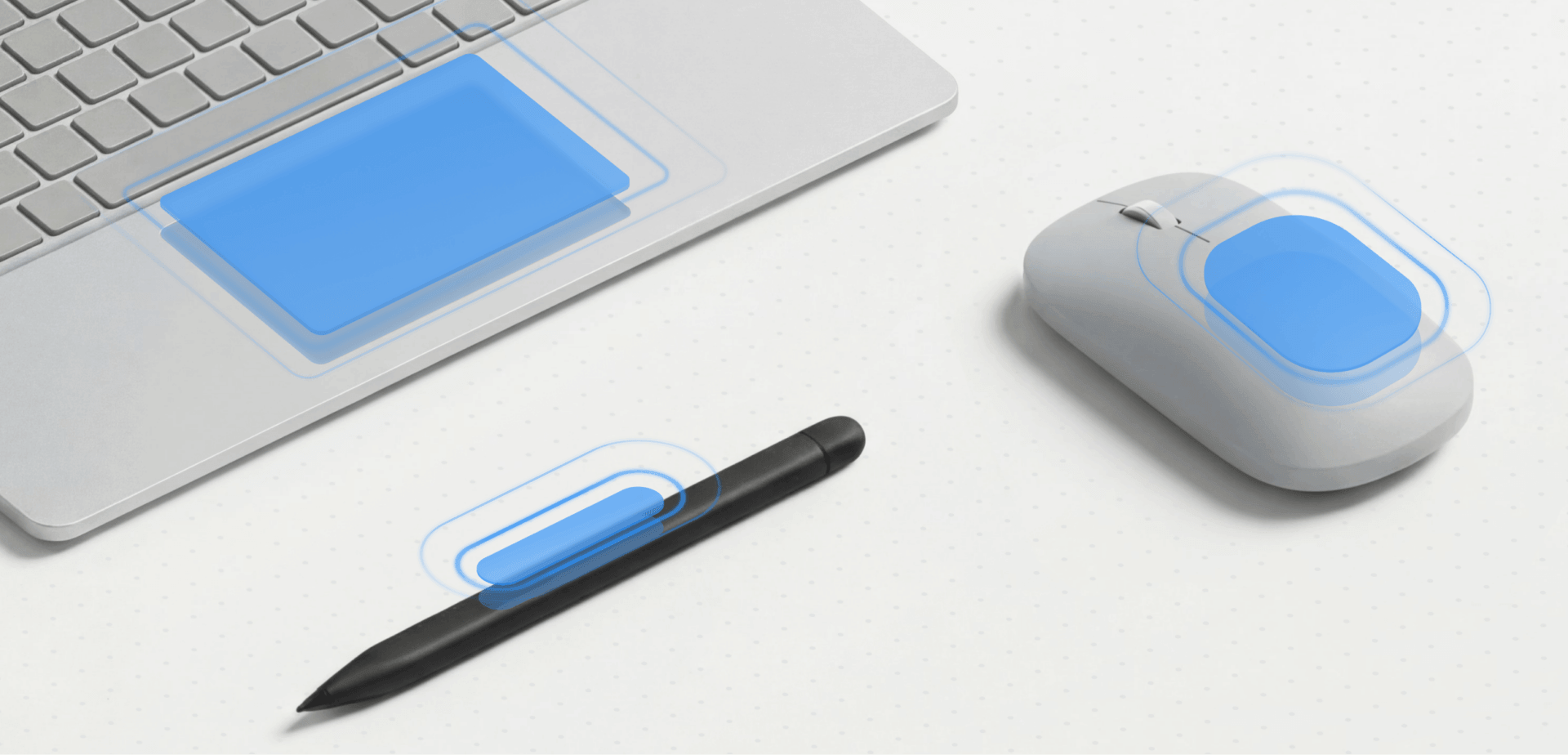
MS has categorized haptic feedback into two primary waveform types. Each waveform is tuned using three variables: intensity, decay, and sharpness. The guidance specifies that feedback should occur within 50ms of the triggering action to maintain a seamless user experience.
Haptics in Accessibility
MS is also framing haptic feedback as an accessibility tool. Tactile feedback allows users with visual or auditory impairments to confirm actions without relying on visual or auditory cues. For example, a subtle haptic pulse can indicate when scrolling has reached the end of a page or when an object snaps into alignment.

Comparing to Apple’s Force Touch
Apple pioneered haptic feedback in trackpads with its Force Touch technology, introduced in 2015. Unlike traditional trackpads, Force Touch trackpads use pressure sensors and a Taptic Engine to simulate physical clicks. They also provide tactile feedback for actions like aligning objects in design apps, a feature similar to MS’s new Align Waveform.
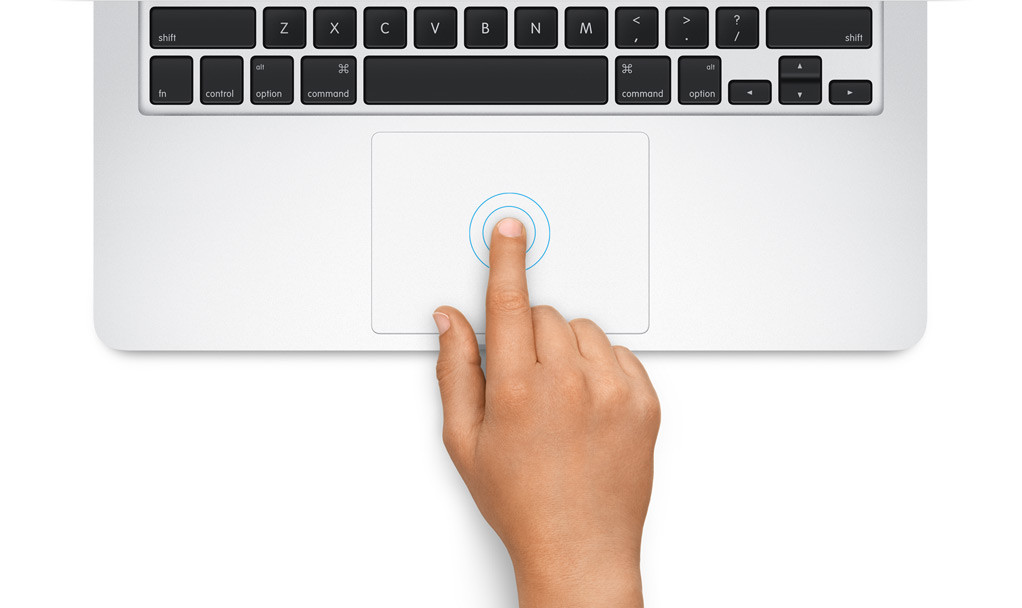
While Apple has had years to refine its haptic technology, MS’s recent efforts signal a growing commitment to enhancing the user experience. With the new right-click resize setting, updated APIs, and developer guidelines, MS is encouraging OEMs to adopt modern haptic touchpads across all Windows laptops.
Conclusion
Windows 11’s latest updates signify MS’s focus on improving user interactions. By introducing adjustable right-click zones and advancing haptic feedback, the company is making strides in creating a more polished and inclusive operating system. These features, combined with ongoing collaboration with OEMs, ensure that Windows users can look forward to a more intuitive and refined touchpad experience across devices.
Support our work: Make Windows Latest your go-to source on Google Discover and Google Search to help us reach more readers with our independent reporting.
