

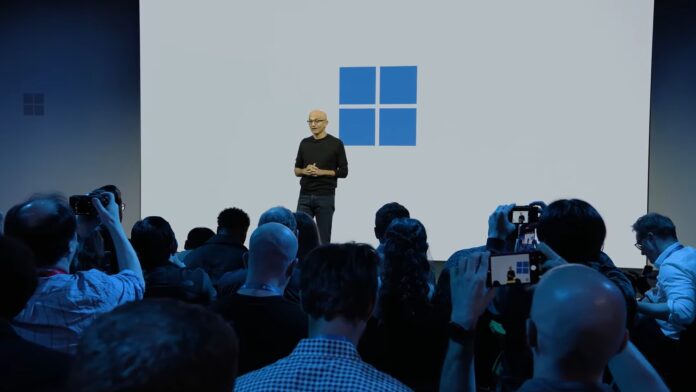
At MS’s first major Windows event in two years, presenters used the terms “agent,” “agents,” or “agentic” 100 times, while “Windows 11” was mentioned only three times. Add references to “models,” “Copilot,” “AI,” and “hybrid intelligence,” and the total approaches 300 mentions during the October 7 Windows + Surface event.
Notably, words such as “fix,” “bug,” “reliability,” and “stability” were not mentioned at all, despite the company’s March promise to improve Windows 11.
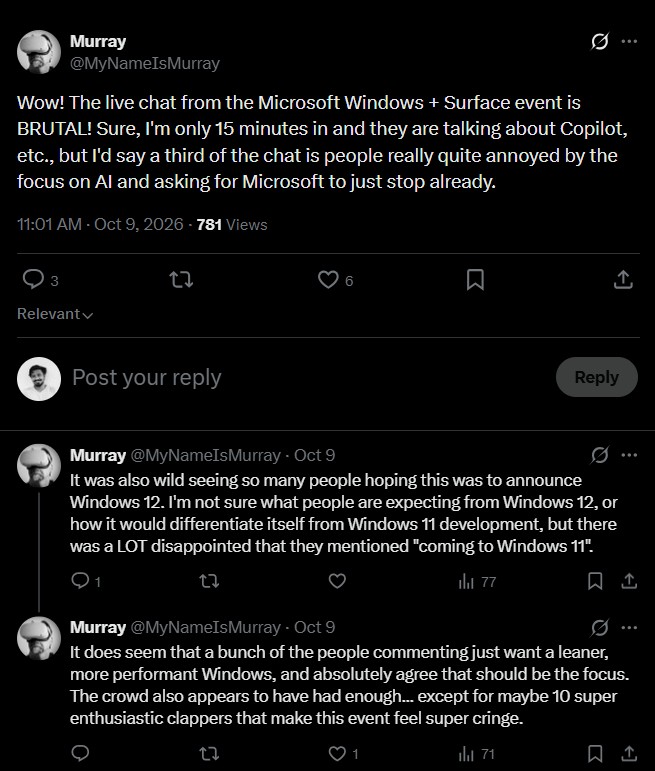
Unfortunately, this overshadowed several genuinely impressive announcements that I am eager to test. Across the internet, however, people are criticizing MS for making the event primarily about AI.
MS Said It Would Fix Windows, but Its Major Event Was All About AI
MS announced the event three weeks in advance, confirming that Satya Nadella, Jensen Huang, and Windows chief Pavan Davuluri would attend. It was the first major Windows and Surface event since the Copilot+ PC launch in May 2024, and I expected at least a recap of the Windows improvements introduced throughout the year.
Naturally, people on social media anticipated Windows news. Some even hoped to hear about Windows 12.
Instead, the roughly 70-minute event focused overwhelmingly on AI and agentic capabilities.
The livestream chat quickly began questioning the event’s intended audience. “These events are not even for consumers anymore,” one viewer wrote. Another asked, “Does anyone actually have any idea what they’re talking about?” as MS continued presenting its agentic capabilities.
“Copilot” was mentioned 36 times, which is ironic considering that Davuluri promised in March to reduce “unnecessary Copilot entry points.” Meanwhile, the Start menu and File Explorer were not mentioned once. A video posted on X illustrated what “local” means to MS.
“We don’t like AI. We want it gone; we want it as an afterthought.” This captures the central issue behind the backlash. Users do not necessarily need AI removed from Windows; they want it to stop taking priority over the fundamentals.
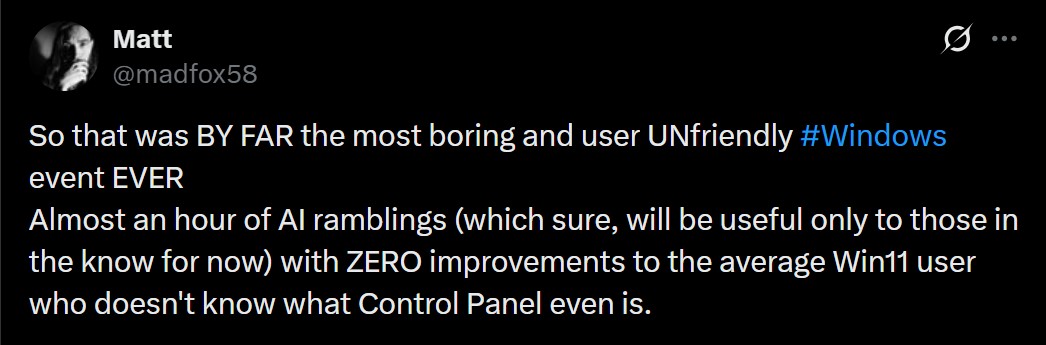
That said, some of the announcements were genuinely promising.
Windows 11’s New Search Was the Highlight, but Where Were the Fixes?
The strongest Windows announcement was a new Windows Search experience built on WinUI 3. It can adjust microphone volume through an inline slider, switch to dark mode, take screenshots, arrange windows, and even send a text message. It is scheduled to arrive “later this year.” Amusingly, it still includes “Search with Bing” results, but I am hopeful that it will be an improvement.
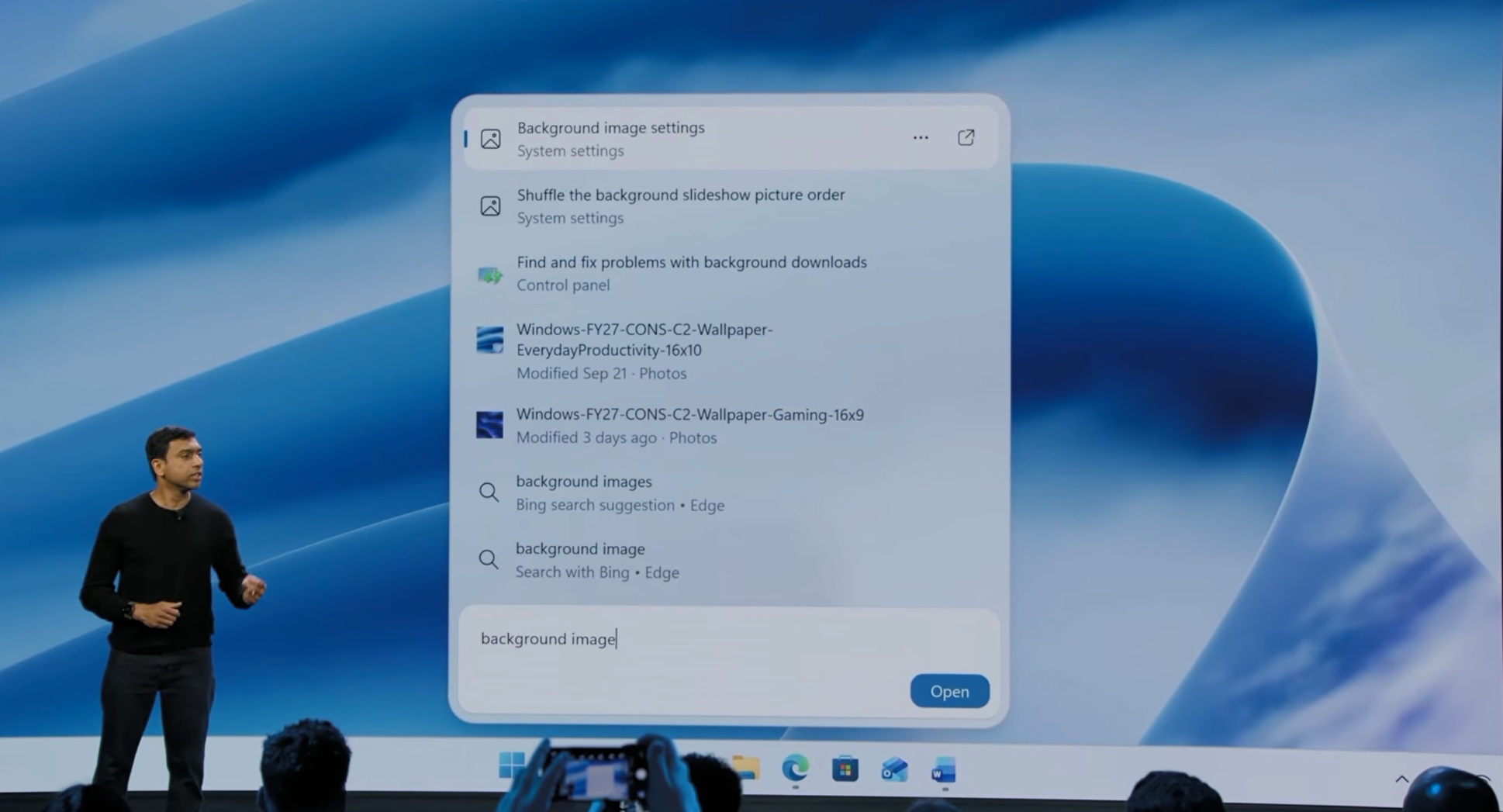
Even the livestream chat responded positively for a moment. “Okay, okay, the search thing is actually nice,” one viewer wrote. Another described it as “a Spotlight equivalent” that Windows was “really missing.”
Search has improved throughout the year, from finding files with only two characters to allowing users to disable web results in September. WinUI is also becoming less demanding on RAM, while Windows 11 26H2 reached all users one week before the event with a performance improvement that reduced RAM usage in our testing.
MS could have spent five minutes discussing these improvements. “So, where is the promise of optimized 8GB RAM?” another viewer asked, referring to MS’s plan to optimize Windows 11 for PCs with 8GB of RAM by the end of 2026. Davuluri himself linked that plan to the rising cost of memory.
MS’s Windows 11 Quality Promises, Almost Seven Months Later
MS’s March 20 post listed dozens of fixes, while its July 31 update stated that most of them would begin reaching Windows 11 PCs “this fall.” I reviewed both posts and checked the status of those promises.
To MS’s credit, a substantial number of improvements have shipped. Users can move the taskbar to the top or sides, skip updates while setting up a new PC, and pause updates for up to 35 days at a time. Driver, .NET, and firmware updates are now delivered together with a single monthly restart. The Copilot button has also been removed from Snipping Tool and Photos. In Notepad, the Copilot button was renamed “Writing tools,” although it still uses AI.
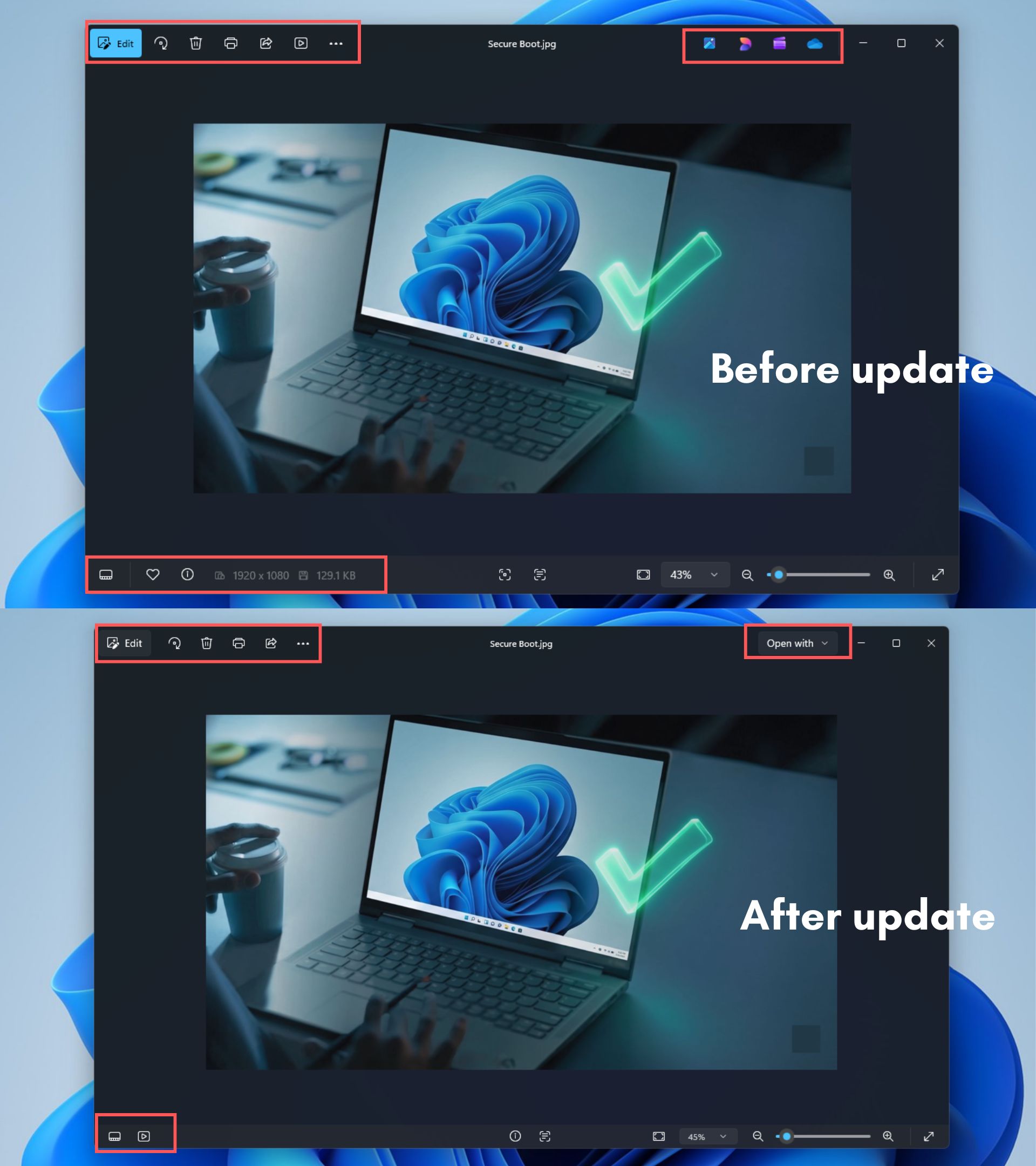
The more interesting improvements remain limited to Insider builds. The decluttered context menu, WinUI 3 Properties dialog, and new Run dialog are all available in experimental builds.
Other promised improvements still exist only in blog posts. The March post promised a setup process with “fewer pages and reboots,” and this returned as a “focus area” in July, when MS also added more natural voice controls to the list. I could not find either feature in an Insider build. Likewise, the Start menu rebuilt on WinUI 3, which is intended to make Start faster, has not appeared in any build so far, as far as I can tell.
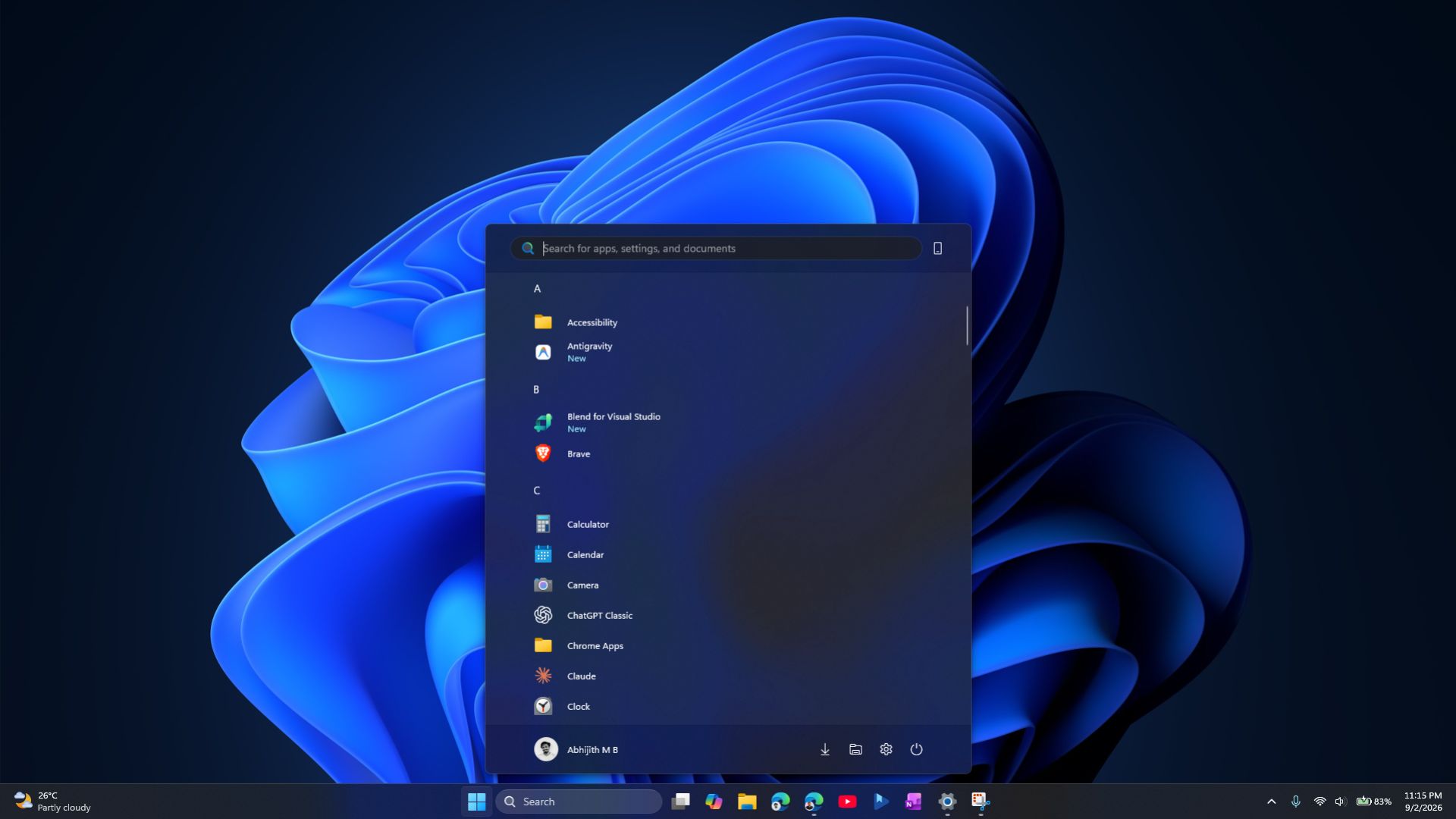
MS also promised full gamepad support for creating a Windows Hello PIN on handheld devices such as the ROG Xbox Ally X. I have not seen that feature anywhere either.
In my opinion, presenting this information in a table on a slide would have won MS more support on October 7 than another agent demonstration.
Hybrid Intelligence and Agent Containers Are Good Ideas for a Smaller Audience
I liked hybrid intelligence, which runs AI on a PC when possible and uses the cloud when necessary. MS Execution Containers are also a smart concept because they control which files and networks an AI agent can access.
However, most people do not run OpenClaw or local language models. They want their laptops to boot quickly and install updates without breaking anything. MS also brought the Copilot+ PC brand back to the stage only days after Nadella once again called Copilot an operating system.
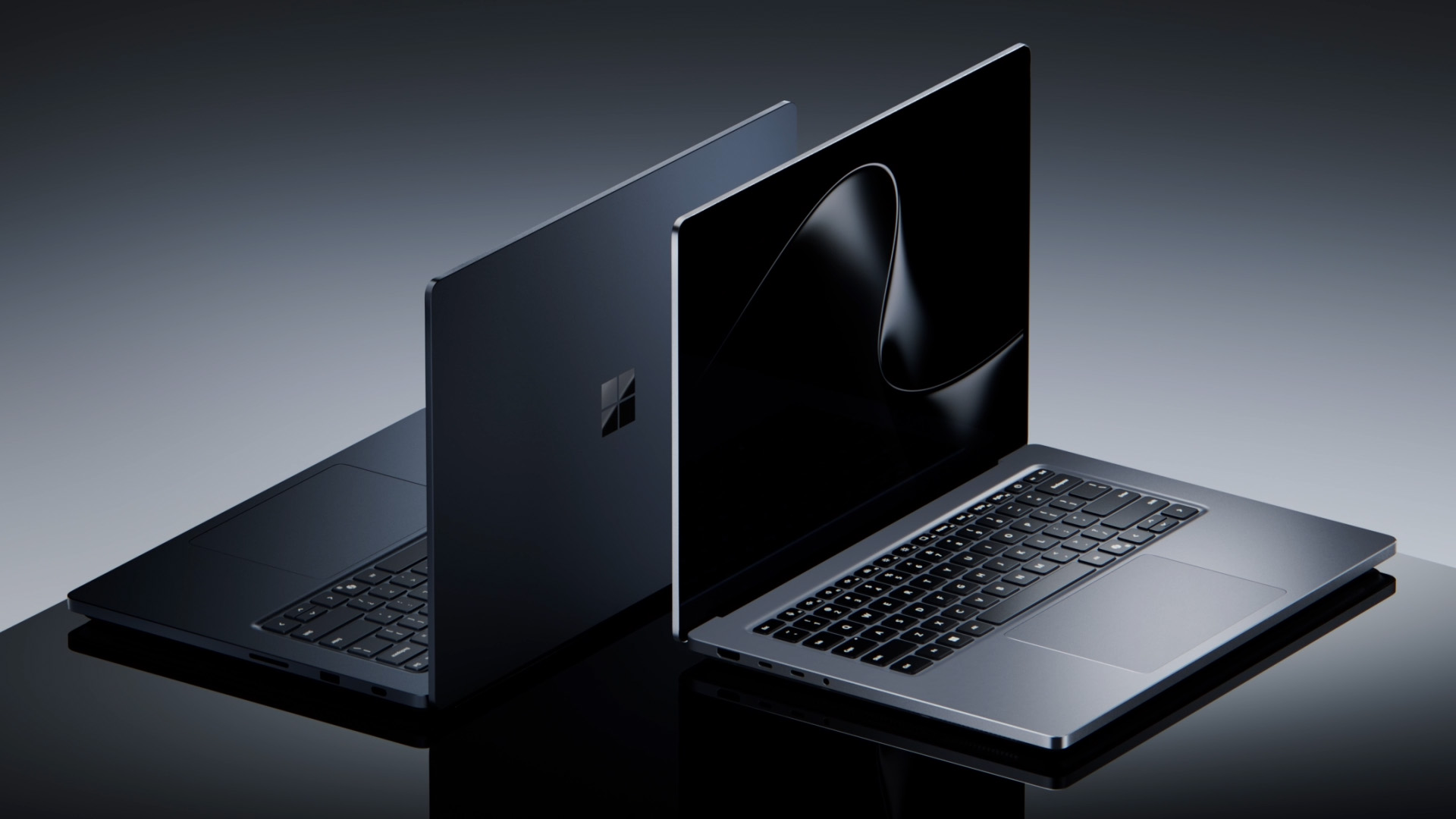
Even the Surface Laptop Ultra, the star of the event, did not appear until approximately 30 minutes into the presentation, and most of its pitch focused on running AI models locally.
Windows Users Made Their Priorities Very Clear
The live chat and reactions on X were brutal, to put it mildly. “Has there ever been a less penetrable announcement for general Windows users?” one person asked. Another said that “100% of it was AI talk,” with “nothing about performance, quality-of-life updates, design, debloating, etc.”
One livestream viewer appeared to be shouting: “LESS AI AND RAM USAGE AND CPU AND GPU USAGE … I DON’T WANT MY COMPUTER TO BE AN AI DATACENTER.” Although exaggerated, the comment captured the concern that people want their PCs to run well before MS turns them into platforms for AI agents.
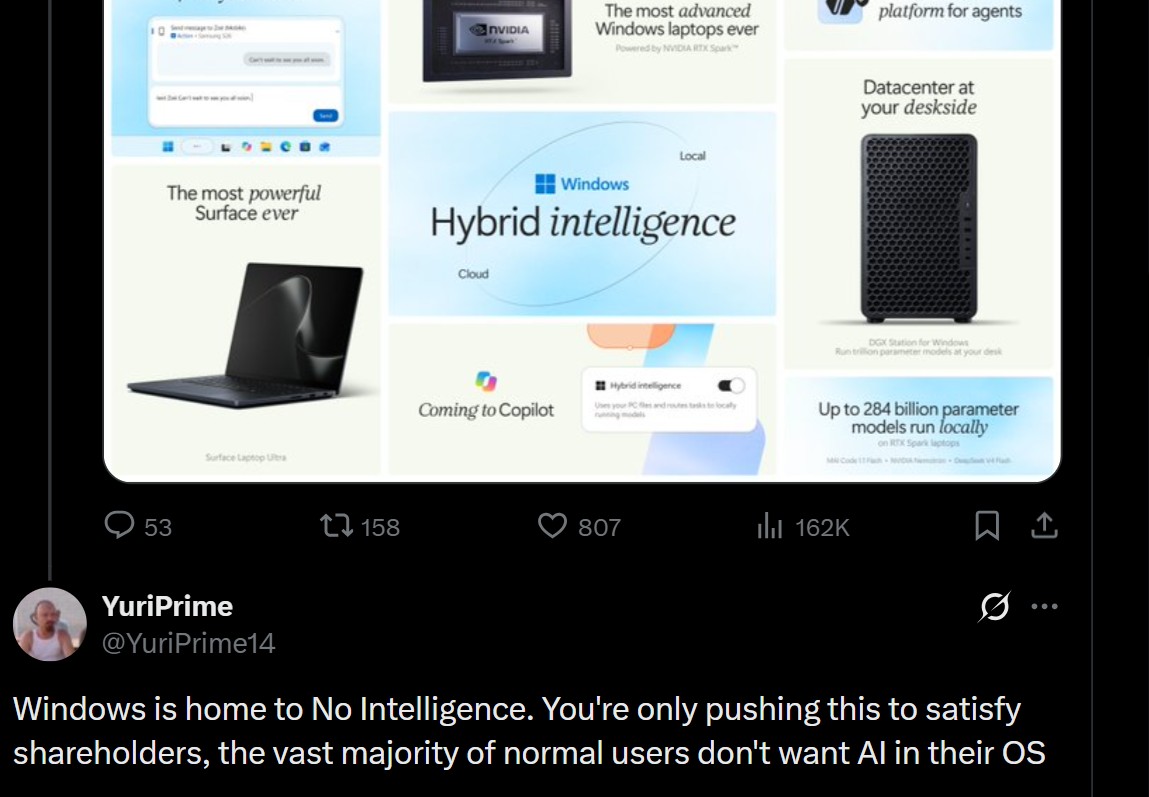
Viewers repeatedly asked for Windows 12, while one simply wanted a “normal working operating system that does what I want instead of opening Bing.”
Many people use AI every day, including us. However, with PC shipments having fallen by 20% as AI consumes the world’s RAM supply, an hour of AI-focused discussion was always likely to receive a negative response.
MS Needs to Make Its Next Windows Event About Windows Again
MS deserves credit for holding a live event rather than presenting a prerecorded keynote like Apple. However, Apple’s iPhone launches feature many creators, and MS and NVIDIA could have invited AI developers, video editors, and 3D artists to demonstrate what the Surface Laptop Ultra can do.
There is currently no information about the next Windows event. If one takes place, MS should explain what changed in 26H2 and provide dates for upcoming improvements, including the planned optimizations for PCs with 8GB of RAM. As one viewer put it, “Okay, now do it on a 200-dollar laptop and show me how fast it is.”
MS should also show how many legacy dialogs WinUI has replaced. Inconsistencies across the Windows interface remain among the operating system’s most criticized issues.
AI can stay. However, people buy Windows PCs to use Windows, and the next event should begin there.
Windows Latest depends on readers like you. Make us your preferred source on Google Discover and Google Search, and help our independent reporting reach more people.
