

Google Is Working on WSL Support for Antigravity as GitHub Copilot Adds the Same
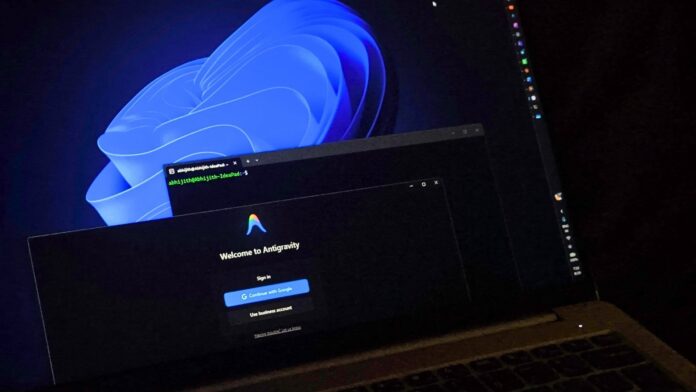
The Windows Subsystem for Linux continues to gain momentum. GitHub Copilot’s desktop app has added experimental WSL support, and Google has quietly confirmed that it is developing WSL support for Antigravity, its agentic development platform. Google is also working on improved native Windows support, which is notable given the company’s inconsistent history of supporting Windows.
WSL allows users to run a Linux distribution directly within Windows without dual-booting or using a full virtual machine. Much of modern software—including build pipelines, cloud infrastructure, and AI frameworks such as PyTorch and llama.cpp—is developed and tested on Linux first.
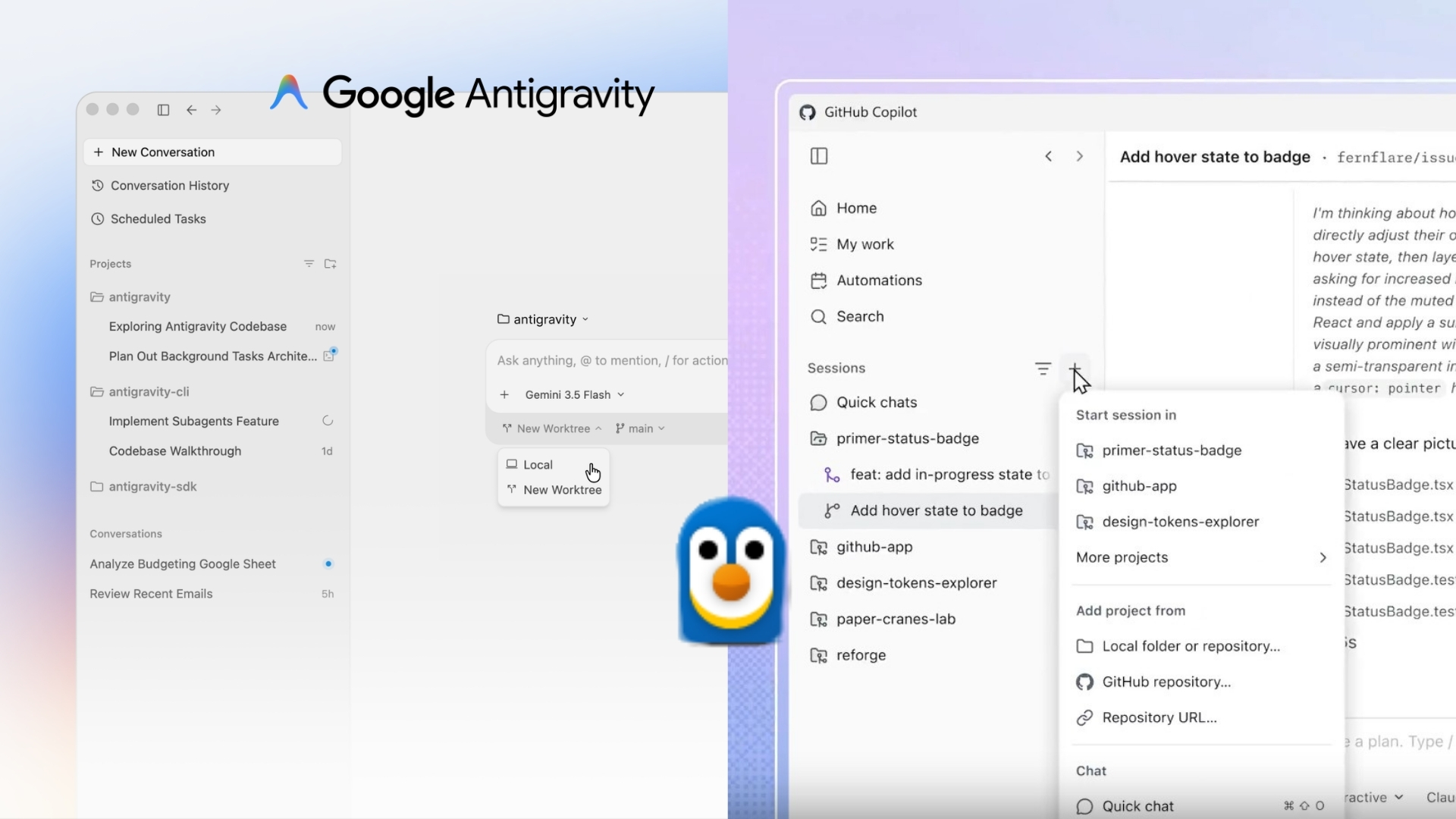
Antigravity and GitHub Copilot belong to the same category of AI development tools. While WSL is now experimentally supported in the GitHub Copilot app, Google is developing comparable support for Antigravity.
WSL 2 runs a Linux kernel inside a lightweight, MS-managed virtual machine. This allows tools such as Docker, Bash, and Linux-native package managers to operate as developers expect while they remain on Windows. MS has been working to establish WSL as a serious development platform, and this week’s news from Google is one of the clearest indications yet that the investment has paid off.
Google Is Finally Supporting WSL and Native Windows
It is no secret that Google has rarely prioritized Windows. Many of its developer tools either treat Windows as an afterthought or rely on memory-intensive browser-based applications rather than native ones. However, that appears to be changing, at least for Antigravity.
Rody Davis, a senior developer relations engineer working with Google Antigravity and DeepMind, posted on X:
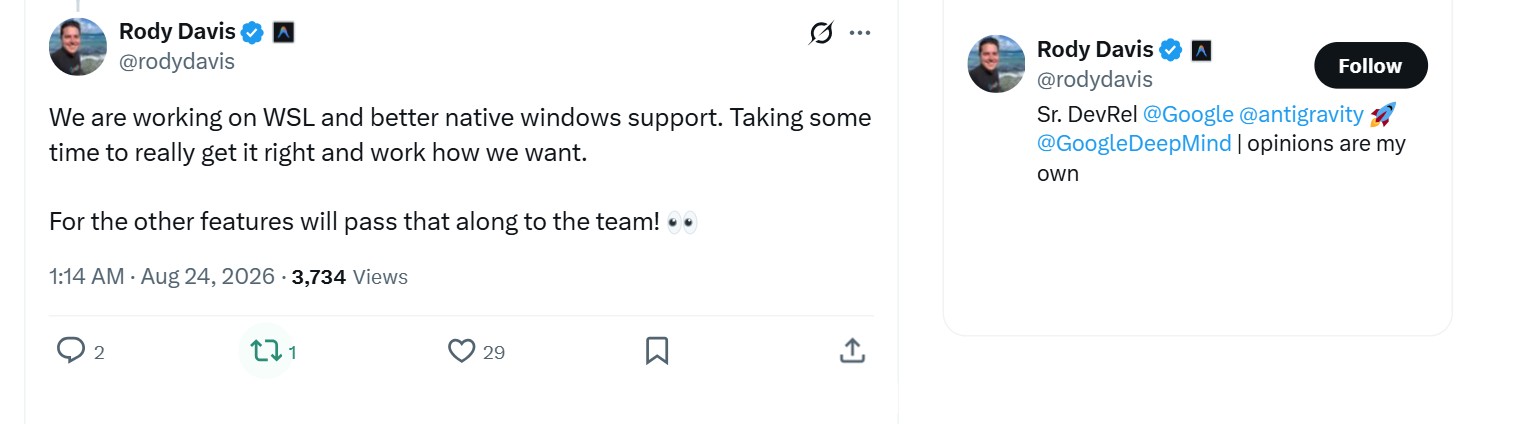
“We are working on WSL and better native Windows support. Taking some time to really get it right and work how we want. For the other features will pass that along to the team!”
Windows Latest identified the comment while reviewing a thread started by Davis. In the thread, he listed recent Antigravity updates—including custom sub-agents, remote control, IDE extensions, and enterprise API key support—and asked users which gaps remained in their workflows.
One user requested the ability to change the agent environment to WSL within the Antigravity 2.0 app. Davis confirmed that both WSL and native Windows support are under development.
The WSL implementation is easy to envision. Antigravity’s agents could perform file operations, execute shell commands, and run builds within Linux instead of first translating everything through Windows.
The reference to native Windows support is more surprising because Davis did not explain what it entails. He did not mention WinUI, although it appears to be the only suitable candidate. At Build 2026, MS confirmed that WinUI would be the permanent native application framework for Windows, removing the “3” from WinUI 3 to indicate that no replacement framework is planned. MS has also begun open-sourcing WinUI on GitHub, where external contributions and public issue tracking are already available.
Most cross-platform, AI-based development tools default to Electron because it enables faster deployment across platforms. However, such applications are also known for their high memory consumption. A native WinUI application from Google would be one of the company’s few Windows products not built on Chromium. Even so, it is prudent to remain cautious until the product ships. Davis’s response does not appear to have been made lightly, although he acknowledged that implementation will require considerably more time.
GitHub Copilot Now Runs Agent Sessions Inside WSL
For developers, the second part of the story may be even more significant. Pierce Boggan, the product management lead for GitHub Copilot and formerly part of Xamarin, announced that “Windows Subsystem for Linux (WSL) is now experimentally supported in the GitHub Copilot app!” His post included a video demonstration.
The feature is available under Settings and Experimental, where a new “WSL hosts (Preview)” toggle allows the app to “connect to and create sessions inside WSL.” After the feature is enabled, a separate Environments page displays every WSL 2 distribution installed through wsl.exe. In the demonstration, an Ubuntu distribution was marked as the default and shown as running.
Connecting to the distribution displays a live WebSocket address. Users can then register a project by providing its absolute Linux path, such as /home/pboggan/coloring-book, which the app validates before adding it.
Starting a new session for the project displays a “WSL: Ubuntu” badge at the top, confirming that the session is running inside the Linux distribution. In the demonstration, Boggan asked the agent to add a footer reading “Made in Park City, UT.” The agent loaded a frontend design skill, searched the Next.js project’s page.tsx, layout.tsx, and globals.css files, and ran git status --short && git branch directly inside WSL to inspect the project’s current state. It then located an existing styled footer and updated it with a single-line change.
The agent rechecked the file to confirm that the new text was correct and ran git diff --check to validate the change before displaying a “Create PR” button. The entire process—including reasoning, file editing, and Git validation—ran within WSL and was powered by a model listed as GPT-5.6 Sol.
GitHub’s internal feedback thread for the Copilot app had identified limited Windows and WSL support as a known complaint. Responses indicate that additional functionality is coming. Remote SSH support is expected as early as next week because the underlying WSL work also provides the foundation for connecting to any generic remote host.
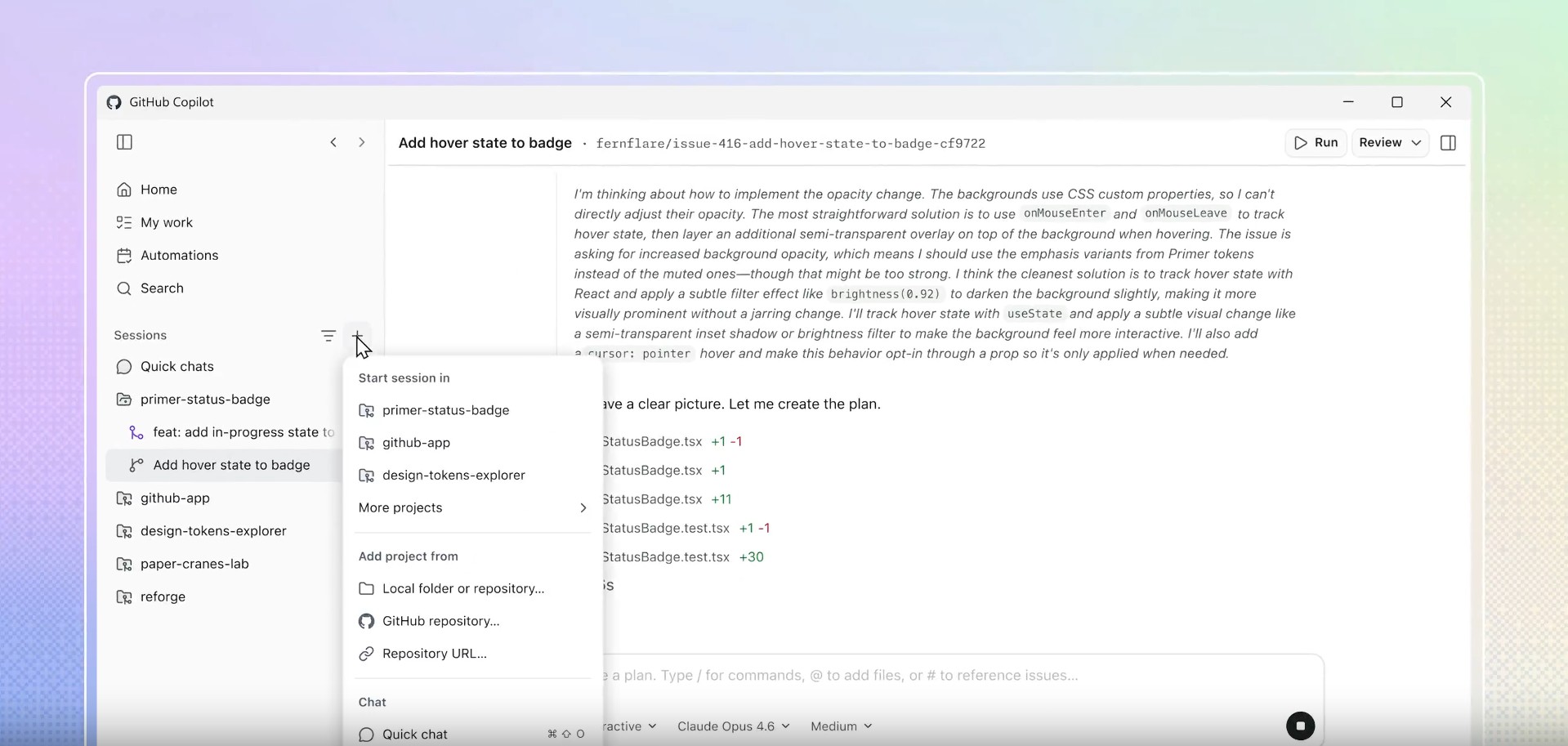
Another user requested the ability to add or clone a project directly from the main menu rather than navigating through settings. Boggan confirmed that this capability is planned next. MS engineer Michael Tierney clarified that WSL support does not change how Copilot generates code; it changes only where the agent’s filesystem operations and shell commands are executed.
WSL is now one of the most actively developed components of Windows. The latest stable release, version 2.7.3, introduced directory-level VirtioFS mounting, IPv6 support for virtio networking, and DNS tunneling for VirtioProxy mode, alongside an upgrade to Linux kernel 6.18. MS’s broader 2026 roadmap also includes faster file access, improved networking, and a simpler setup process.
Separately, MS released WSL Containers, which allows users to build and run Linux containers directly from Windows without Docker Desktop. Hands-on testing has also examined how WSL Containers performs in practice.
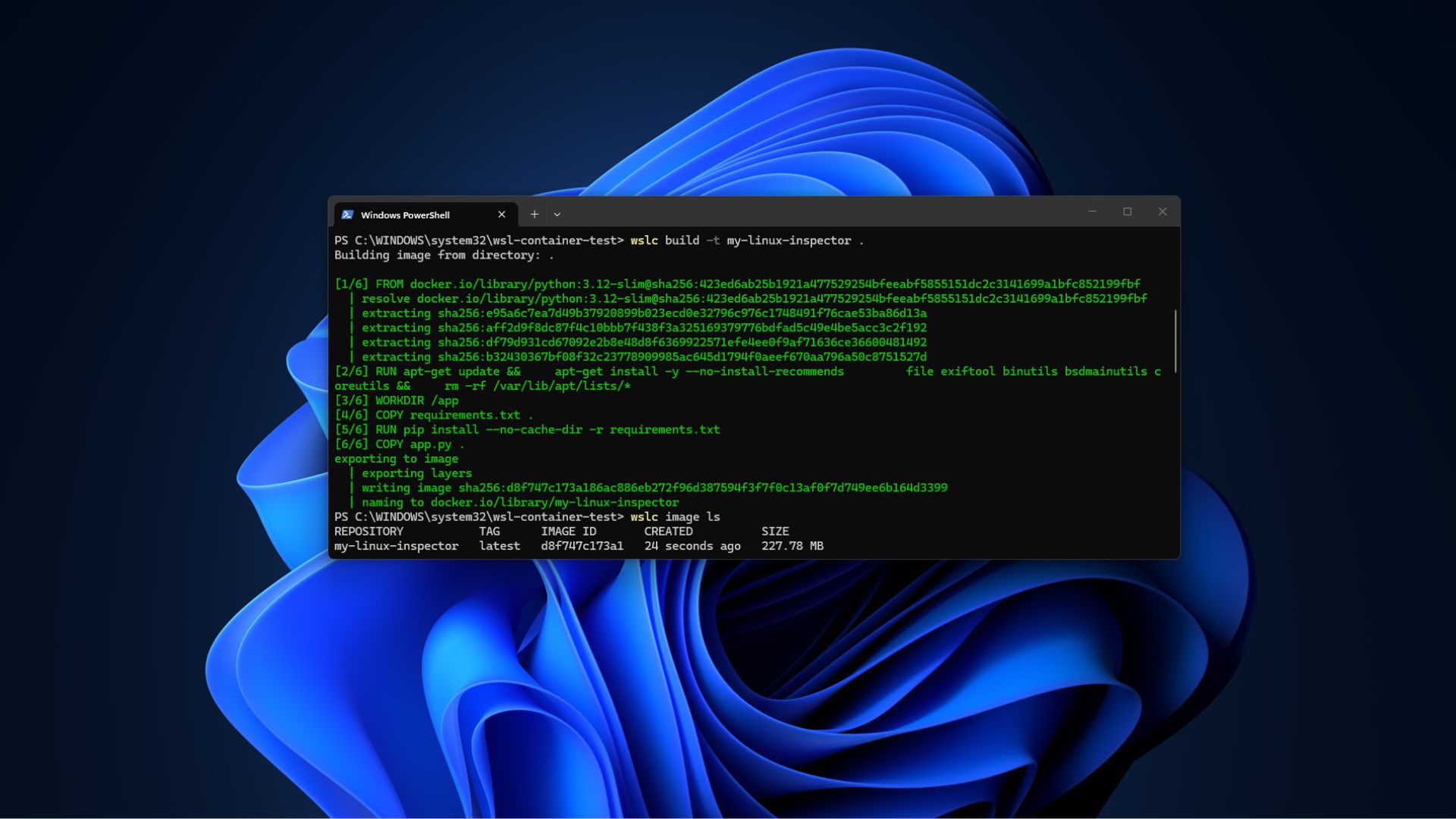
Windows Is Quietly Becoming a Serious Developer Platform Again
Despite the persistent criticism Windows 11 receives over advertisements, bugs, and mandatory AI features, the developer side of the operating system has experienced a strong period of progress. At Build 2026, MS introduced Coreutils for Windows, bringing more than 75 familiar Linux command-line utilities—including ls, grep, and mv—natively to Windows without requiring WSL. The implementation is based on the open-source Rust project uutils.
MS’s commitment to WinUI as the permanent native application framework, combined with its move toward full open-source development, also demonstrates that the company is once again prioritizing native Windows software.
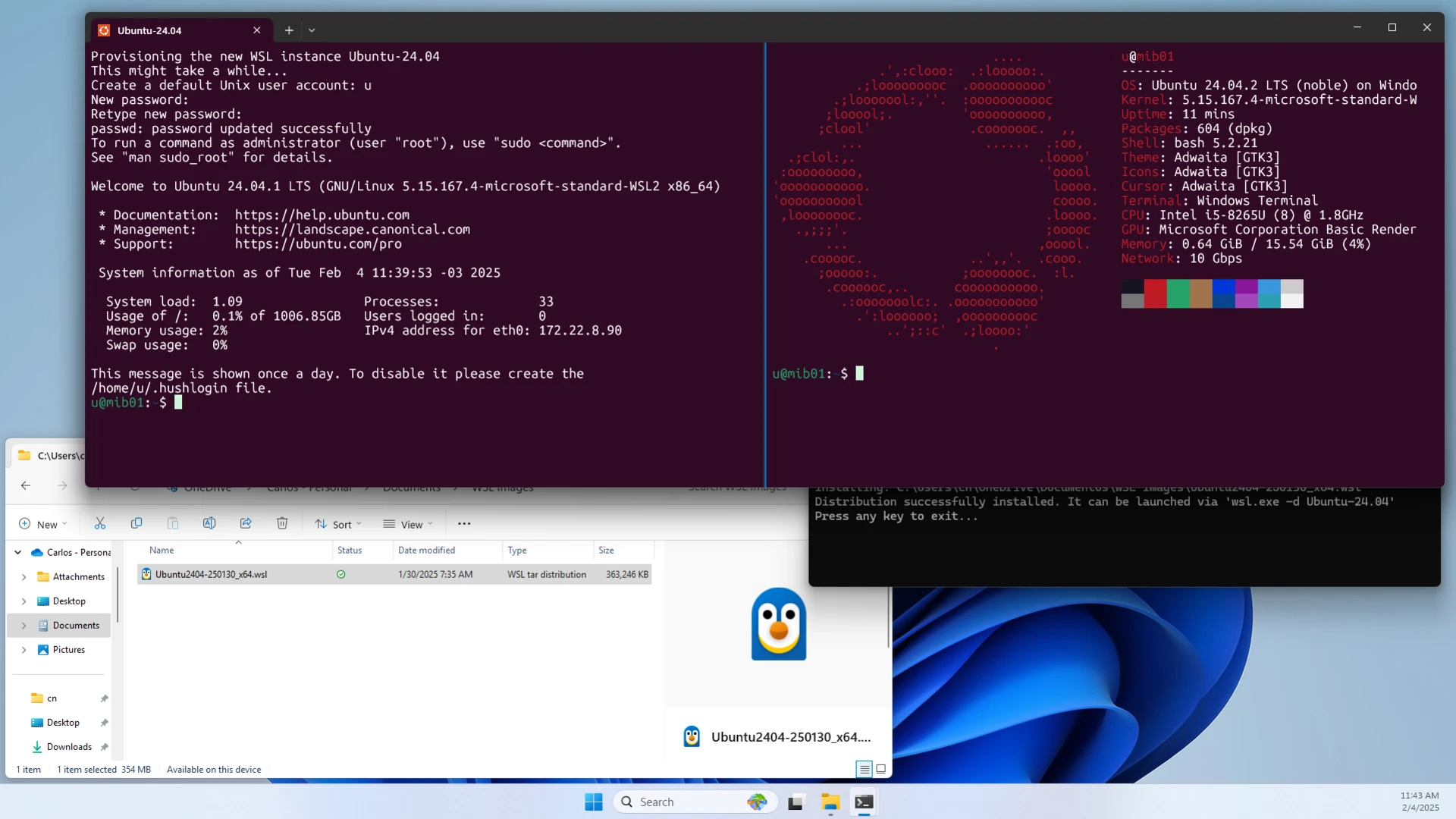
According to Canonical’s figures, Ubuntu is growing faster on Windows 11 than on native Linux PCs, which indicates where many developers are choosing to run their Linux workloads.
Windows 11 still has many issues to address. Nevertheless, WSL Containers offering an alternative to Docker Desktop, Copilot running agents inside Linux distributions, WinUI becoming open source, and Google developing support for both WSL and Windows collectively show MS returning its attention to its developer-focused roots.
Windows Latest depends on readers like you. Make us your Preferred Source on Google Discover and Google Search, and help our independent reporting reach more people.
Whether you're building a new PC or refreshing an old one, a Windows 11 OEM license is a smart choice for budget-conscious users. Whokeys.com provides Windows 11 OEM keys with instant delivery and full activation support — a trusted option for anyone looking for a genuine license at a fair price.
