

On Thursday, MS rolled out Windows 11’s biggest update of the year, introducing a resizable Start menu, a movable Taskbar, and Windows Search without Bing or other bloat. Unfortunately, Windows Latest found that the update can break the mouse cursor, reset the wallpaper, and cause font issues. MS now says it is investigating.
The update in question is Windows 11 KB5120998, which upgrades the OS to Build 26200.9278 on version 25H2 and Build 26100.9278 on version 24H2. It is an optional update, so it is not downloaded or installed automatically. However, users do not need to join a specific testing program to access it, as it appears on all PCs by default.
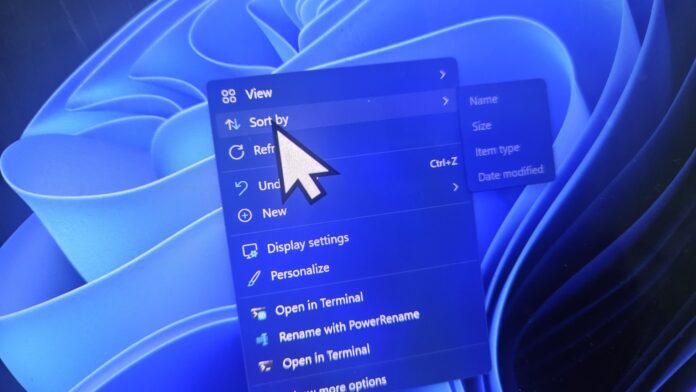
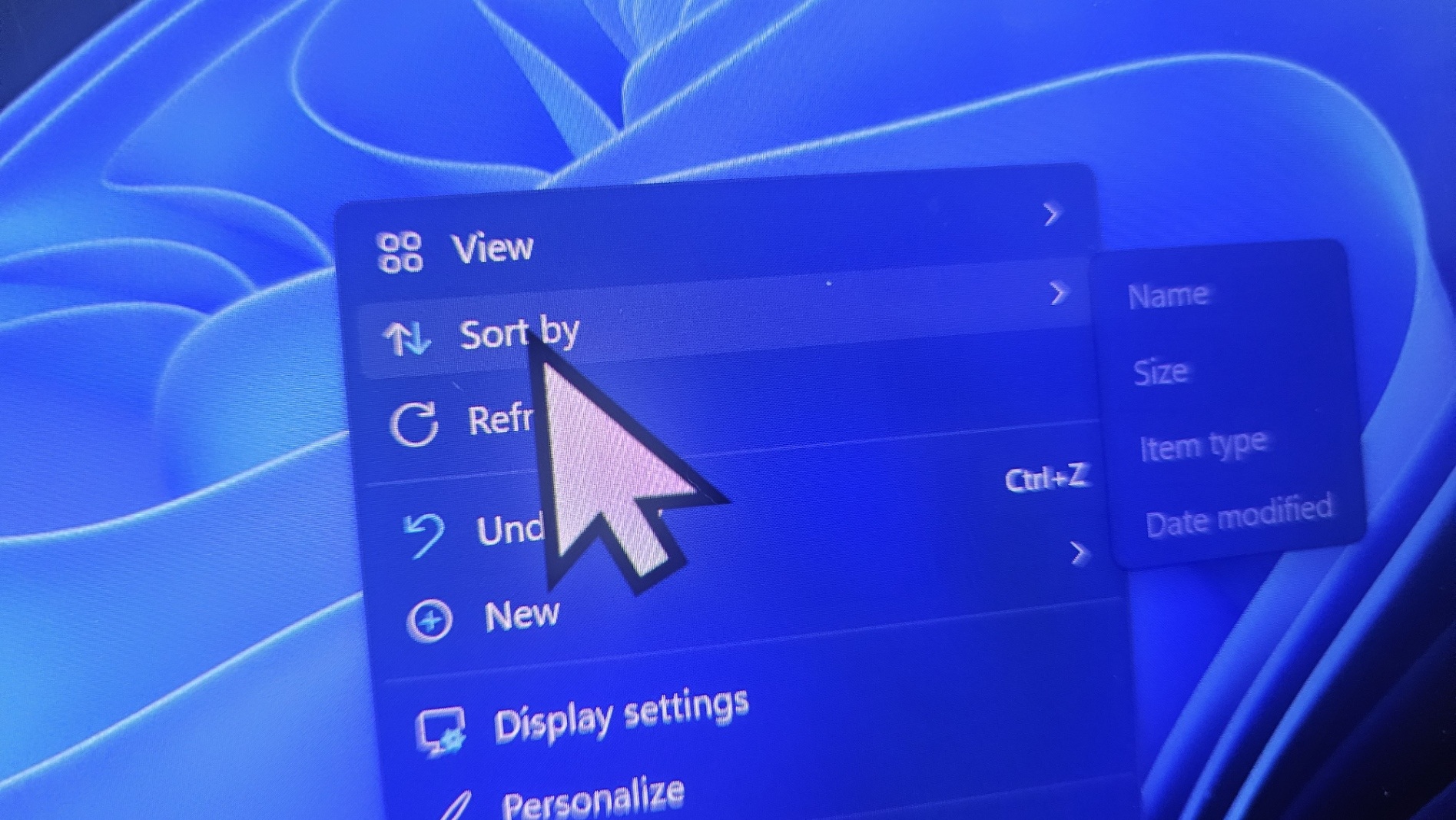
As soon as Windows 11 KB5120998 was released, some users began reporting a bug that caused the mouse cursor to disappear or appear too large or too small. In other cases, the cursor’s color or size was reset to its default setting.
MS initially remained silent, and the growing number of reports suggested that the problem was more widespread than the usual isolated complaints. MS has now quietly updated its release notes to confirm that mouse cursor settings are being altered after the Windows update.
“MS has received reports indicating that mouse cursor personalization settings are being changed or reverted to certain standard settings,” MS warned in the updated release notes spotted by Windows Latest. “This occurs following installation of Windows updates released August 27, 2026 (KB5120998) and later.”
MS says it is investigating the reports and determining whether the issue is directly related to Windows Update. However, all indications suggest that the optional update is responsible, as the problem appeared immediately after installation and disappeared when affected users removed the update.
This is the standard public-relations language MS has recently used when discussing Windows Update problems. A more formal acknowledgment may follow in the coming days, along with either a rollback of the change that caused the issue or an emergency out-of-band update addressing the cursor problems.
Windows 11 KB5120998 Can Break Cursor Size, Color, and Custom Schemes
Windows Latest contacted an affected user who tried multiple solutions, including resetting the Windows Registry, running DISM, and restoring the mouse cursor settings to their defaults. Despite these efforts, the cursor remained unusually large. As soon as the user uninstalled Windows 11 KB5120998, the issue resolved itself.
The same outcome appears to apply to other users who reported cursor problems after installing Windows 11’s major optional update.
According to MS and reports reviewed by Windows Latest, installing Windows 11 KB5120998 may cause the following problems:
The mouse cursor may disappear entirely.
The cursor may appear too large or too small.
The cursor’s color or size may revert to default settings.
Custom cursor personalization settings may be changed or reset.
Unfortunately, users who encounter these issues may need to remove Windows 11 KB5120998 manually, as no other workaround appears to be effective.
Open Settings.
Go to Windows Update.
Select Update History.
Open Uninstall updates.
Locate KB5120998 and click Uninstall.
Because Windows 11 KB5120998 is an optional release, users can remove it without losing the security fixes included in this month’s Patch Tuesday release.
It remains unclear why or how the update affected the cursor. Most of its changes focused on the Start menu, Search, Taskbar, and File Explorer. The only potentially related improvement concerned “touchpad reliability on some devices,” although that change does not appear likely to have caused the issue.
Windows 11 KB5120998 Is a “Preview” Update, but Not the Type You Might Think
Some users may argue that this is a “preview” update and should not have been installed on production PCs. However, it is not the type of preview update that term might suggest.
KB5120998 is not a Windows Insider Preview technical build. Although MS uses similar terminology for both, optional updates are offered to production PCs. They are simply not downloaded automatically unless users have enabled the option to receive the latest updates as soon as they become available.
MS has never advised users to avoid optional updates. These releases are intended for anyone who wants to try new features before the next Patch Tuesday update, which would include the same changes alongside security fixes.
Windows optional preview updates are usually about as stable as Patch Tuesday releases. This was also generally the case when Windows 10 was MS’s flagship operating system.
However, Windows quality has declined over the past few years as MS reduced much of its Quality Assurance team and began relying more heavily on AI.
Windows Latest depends on readers like you. Make us your preferred source on Google Discover and Google Search, and help our independent reporting reach more people.
