

Windows Updates: Why Some PCs Reboot Twice
When you install a monthly update, particularly a Patch Tuesday release on the second Tuesday of the month, you typically expect no more than one reboot. However, this behavior appears to be changing. In certain cases, your device may reboot twice to complete the installation of large updates, such as the July 2026 Update.
For example, during the installation of the April 2026 Update, I observed that my PC rebooted twice. Upon inquiry, MS explained that this could happen due to Secure Boot, but later experiences revealed other factors could also be responsible.
When installing the July 2026 Update (KB5101650) on a PC where the Secure Boot certificate update was already applied, the second reboot was related to the update for the .NET Framework.
Reasons for Multiple Reboots During Updates
Windows 11 may require one reboot to install the monthly Patch Tuesday update and a second reboot to complete the installation of a separate .NET Framework or Secure Boot update.
This does not imply that Windows 11 PCs will experience multiple reboots for updates every month. Such occurrences are expected to happen only once or twice a year, potentially more often if your system has multiple versions of .NET Framework installed or if there are compatibility issues with Secure Boot certificate updates.
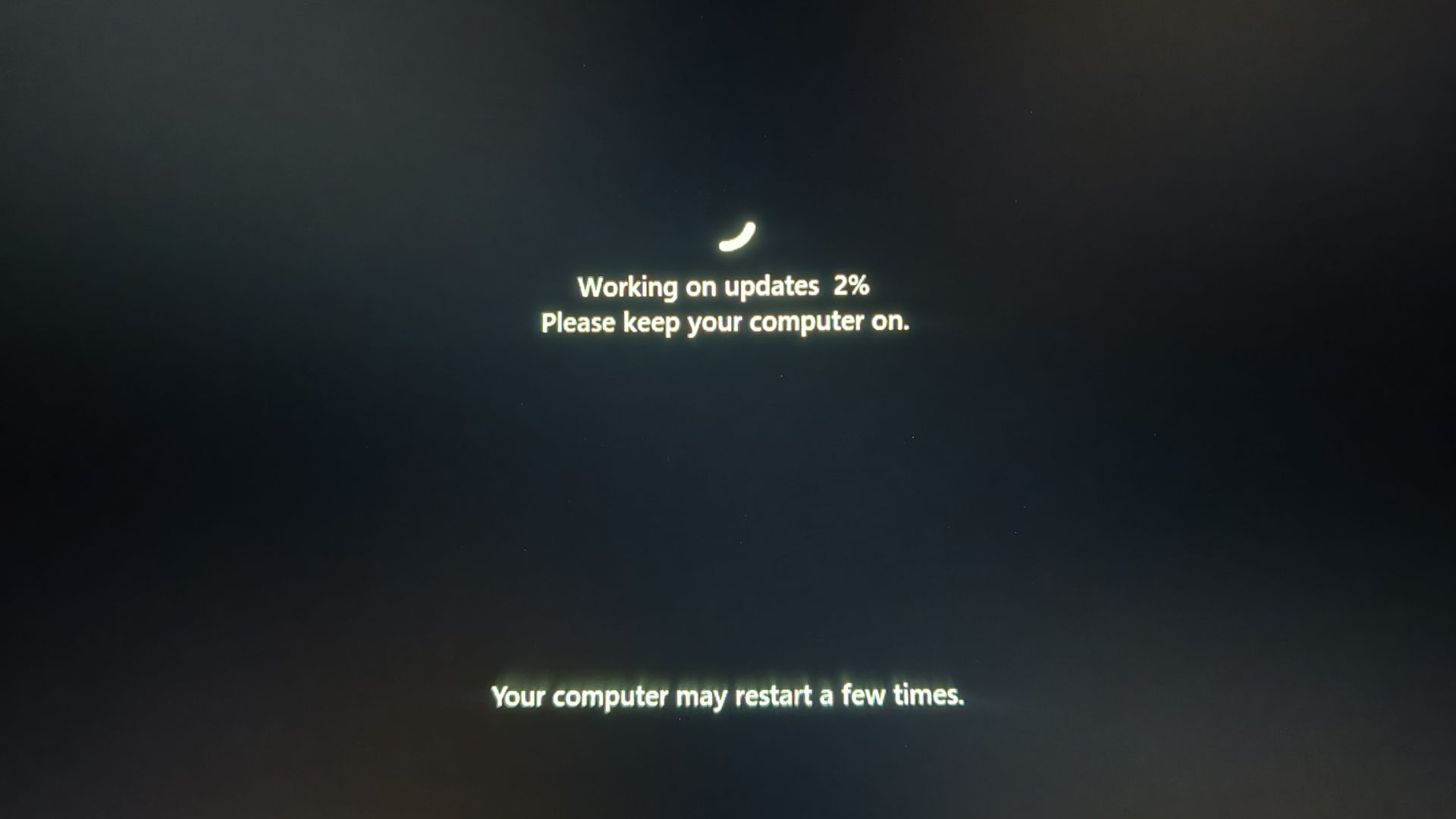
Whether the issue stems from a pending Secure Boot update or a large Windows update involving both Patch Tuesday and .NET Framework updates, it is recommended to avoid panicking or interrupting the process by pressing the power button. Allow the system to complete the installation, even if it takes more than ten minutes.
According to Windows Latest, the July 2026 .NET Framework update, if applicable to your PC, may necessitate a separate reboot.
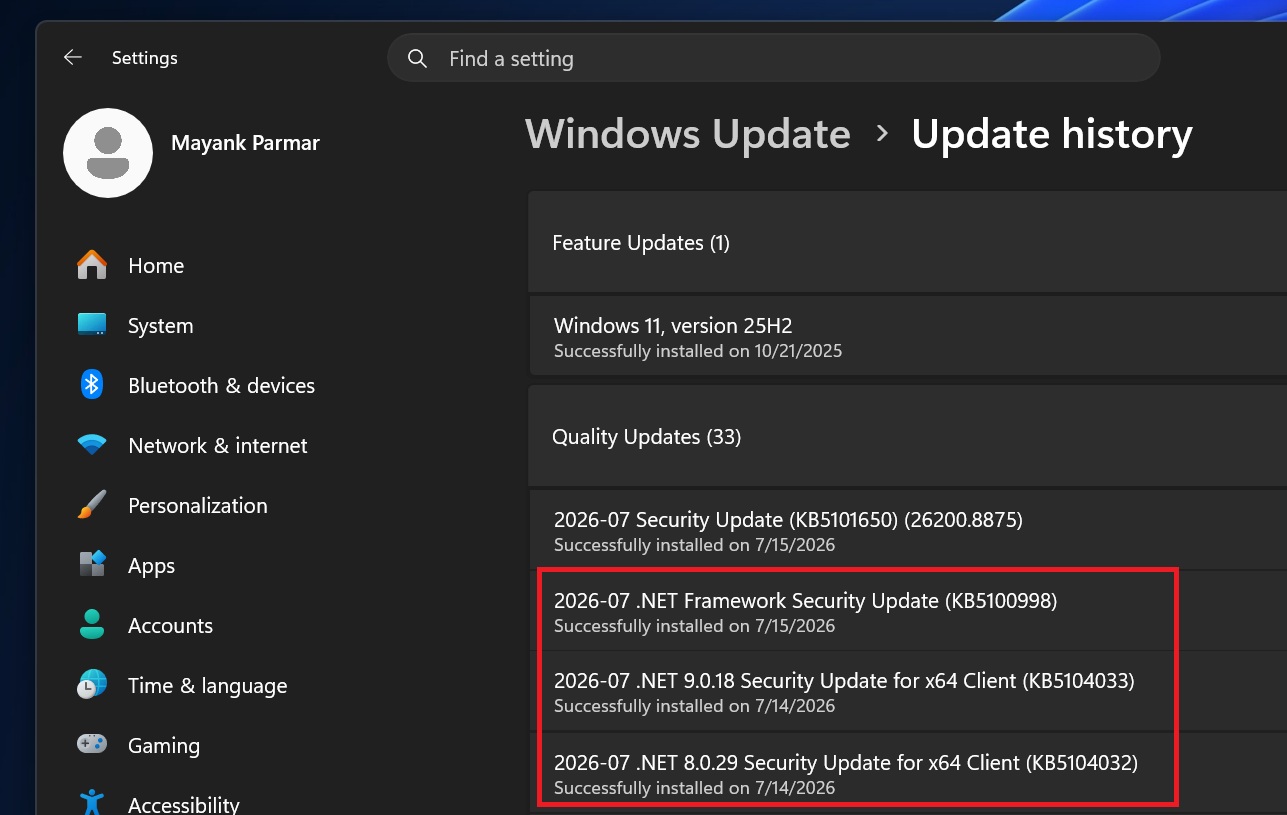
Impact of .NET Framework and Secure Boot Updates
Not all .NET Framework updates require an additional reboot, but some, like the July 2026 Update, do. If the Secure Boot certificate update has already been applied to your system, the .NET Framework update is likely the reason for the second reboot.
In other instances, multiple reboots might be triggered by the Secure Boot 2023 certificate update. Despite MS’s initial claims that the rollout would be completed by June 2026, a revised statement indicates the process is still ongoing. However, MS assures users that PCs without the Secure Boot 2023 update will continue to function normally, and standard Windows updates will proceed as usual.
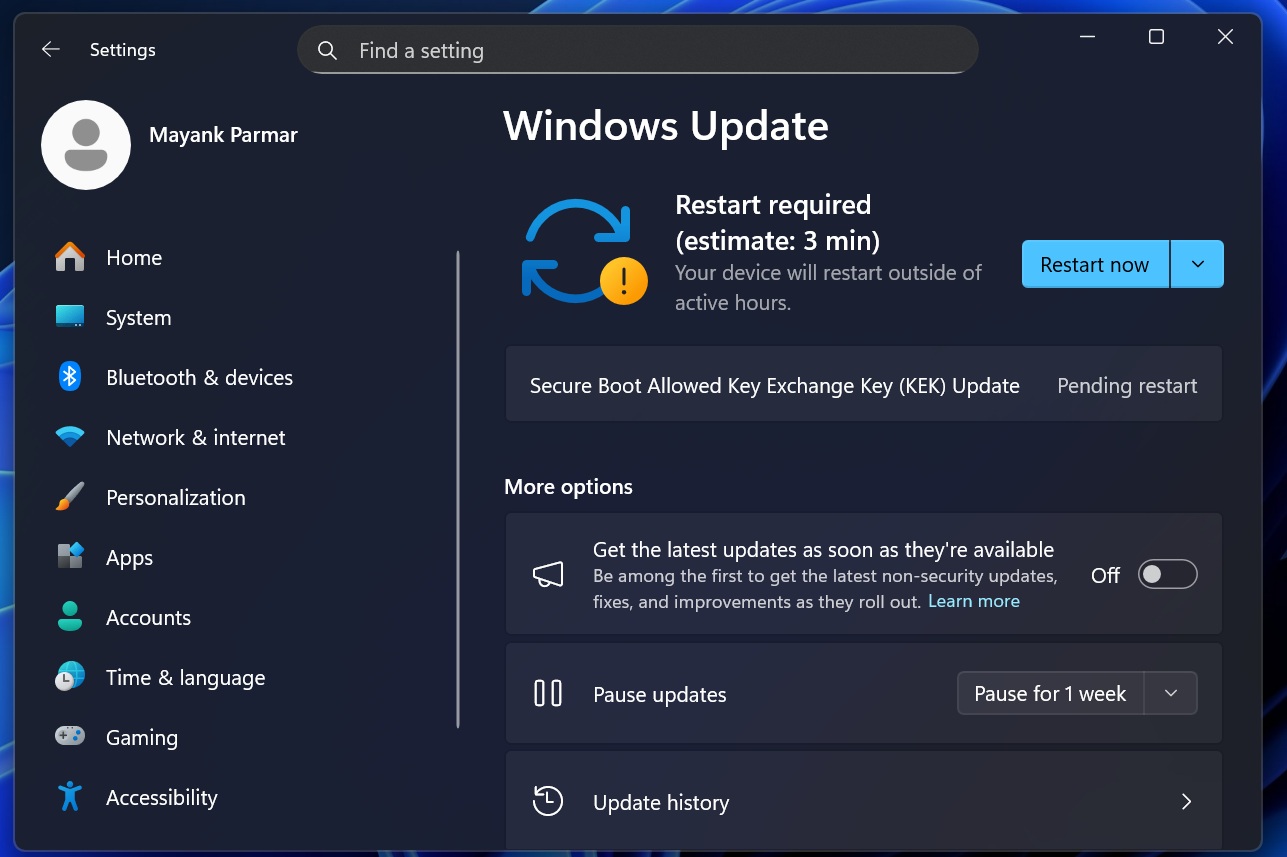
MS clarified their position in an updated statement: “Devices that haven’t received the newer certificates will continue to start, and standard Windows updates will continue to install. We will continue to roll out the newer certificates via Windows updates in the coming months.”
Why Timely Updates Are Critical
MS has emphasized the importance of not delaying updates for more than three days. These updates are expected to increase in size over time as AI-assisted vulnerability detection identifies more security issues. In fact, MS revealed that it had addressed more than 570 major security flaws in Windows.
For the time being, users will need to endure the inconvenience of occasional multiple reboots, even though MS had previously promised a single reboot per month. This pledge has yet to be fully realized. Once implemented, these changes should limit reboots to once a month, except when installing optional preview updates.
Addressing SCEP Certificate-Related Errors
On some PCs, users may notice that the Event Viewer logs errors related to SCEP certificates following the July 2026 Update. For affected systems, inspecting the Event Viewer will show logs specifically indicating SCEP certificate failures:
- The AIK (Attestation Identity Key) is linked to the device’s Trusted Platform Module (TPM), which Windows uses to verify the device’s trustworthiness.
- Windows requests certificates through the Simple Certificate Enrollment Protocol (SCEP). Error code 0x801901ad corresponds to the HTTP 429 error, meaning too many requests were made.
The July 2026 Update may have caused some Windows installations to renew, validate, or request TPM attestation certificates again during or after installation. There is no need for concern, as the Windows update will apply the required certificate changes automatically.
Conclusion
While multiple reboots during updates may seem inconvenient, they are part of ensuring the system’s security and compatibility. Patience is key: let the process complete without interruption. As MS moves toward fewer reboots in the future, these disruptions should become less frequent.
Windows Latest relies on readers like you. Make us your preferred source on Google Discover and Google Search to support independent reporting and help us reach more users.
