

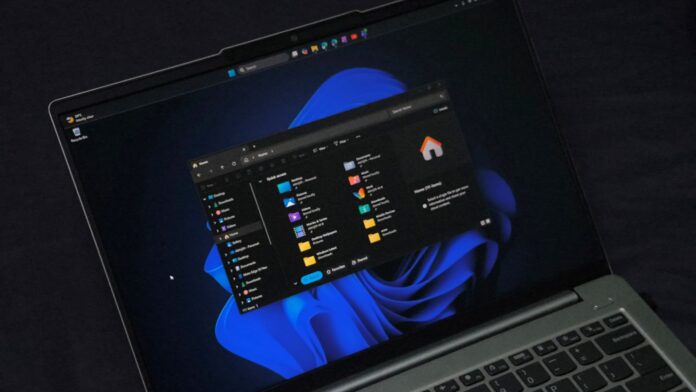
Strings found in the latest experimental builds of Windows 11 indicate that MS is developing a built-in Auto Dark Mode feature. This could eventually allow users to schedule Windows to switch between light and dark modes without installing PowerToys or another utility.
This has been my second-biggest complaint about Windows 11’s dark mode, after the lack of dark-mode support in legacy dialogs. Windows 11 sometimes looks better in light mode, but I also do not want a bright white interface at 11 PM. The ability to schedule dark mode automatically is therefore a welcome and long-overdue addition.
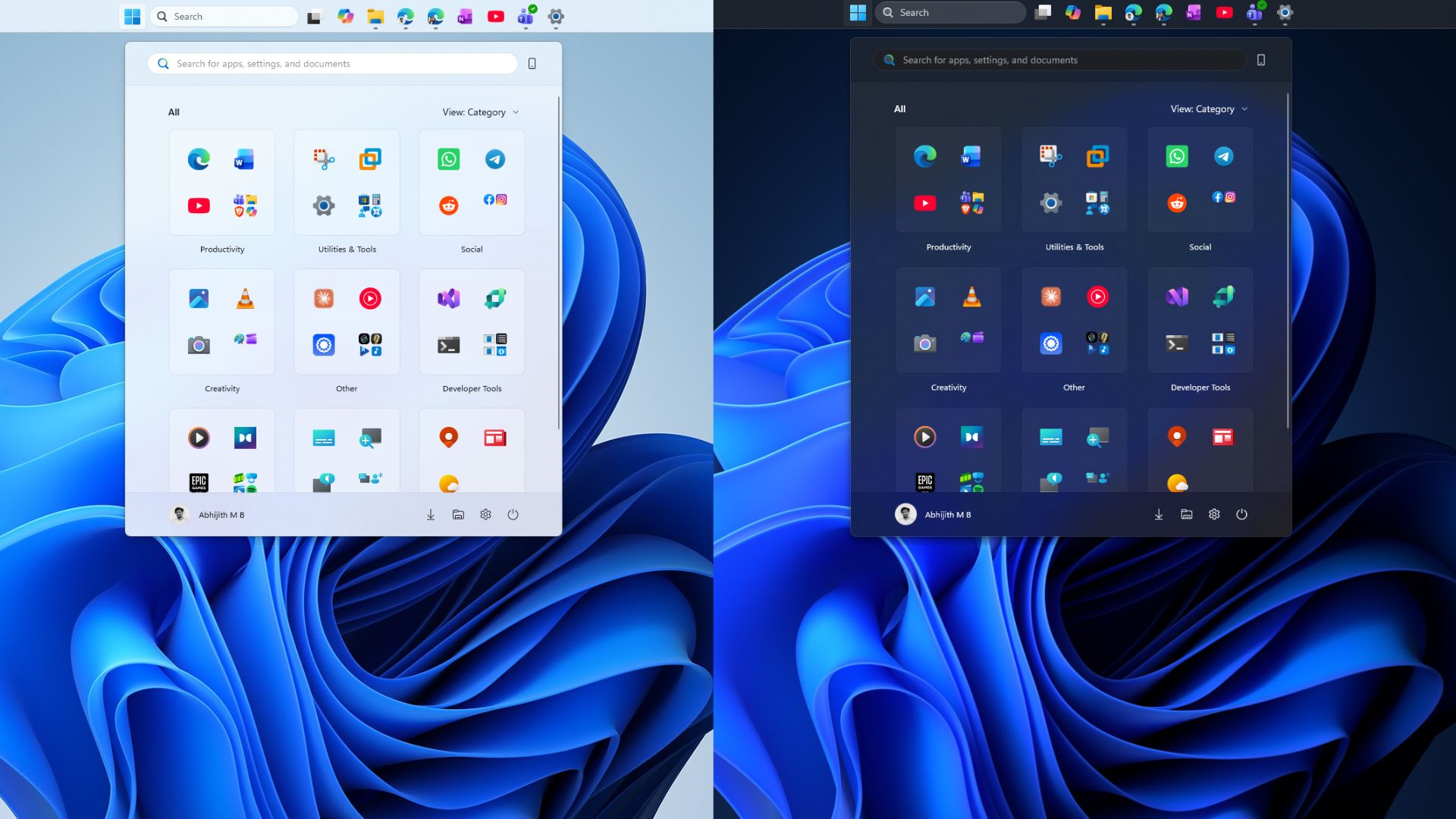
The discovered strings mention “Schedule auto mode,” an option to change modes only when the PC is idle, automatic scheduling based on location, and fixed start and end times when location services are disabled.
The feature is not yet publicly available in Windows 11. The evidence comes from text strings discovered in experimental builds, along with a file named Windows.Shell.AutoDarkMode.dll in System32.
Windows 11’s Hidden Auto Dark Mode Can Follow Sunset or a Fixed Schedule
Windows enthusiast phantomofearth first spotted the feature, reporting that recent experimental 26xxx builds “include various strings for it.” These strings indicate that users could schedule dark mode from sunset to sunrise or during fixed hours, with an option to change modes only when the PC is idle.
A string in Windows is text stored within a program or system component—the wording that may eventually appear on a Settings page when a feature is released. These strings are present in recent experimental 26xxx Insider builds.
The dedicated Windows.Shell.AutoDarkMode.dll file further confirms that the feature is under development. However, its presence in System32 does not mean that testing is complete.
Phantomofearth also confirmed that the feature IDs required to enable Auto Dark Mode are not yet available in Insider builds.
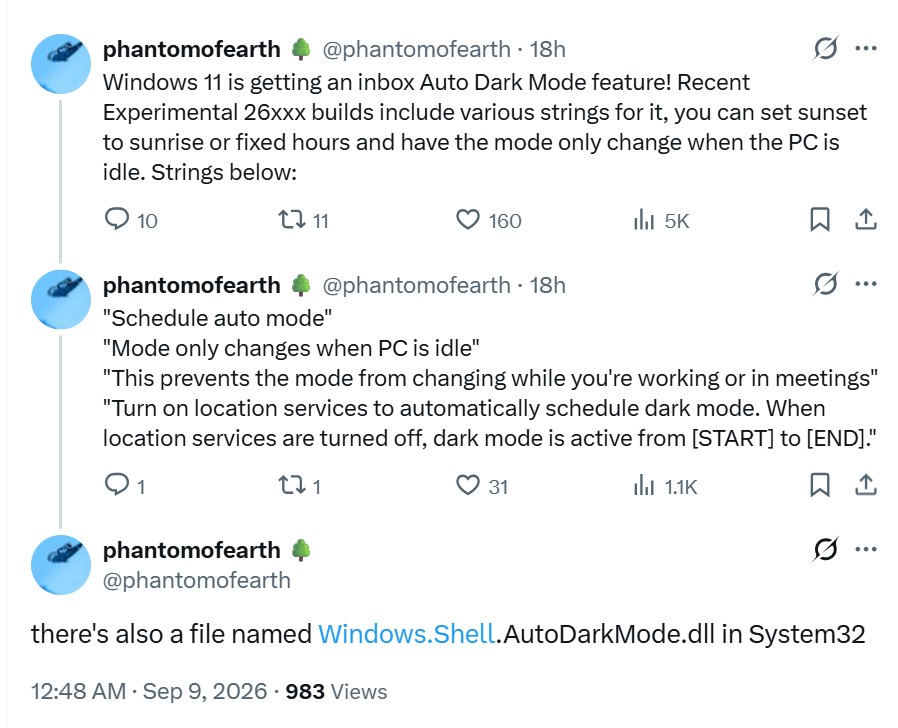
“Schedule auto mode” suggests that Windows will eventually offer an automatic light-and-dark-mode schedule instead of requiring users to switch modes manually each time.
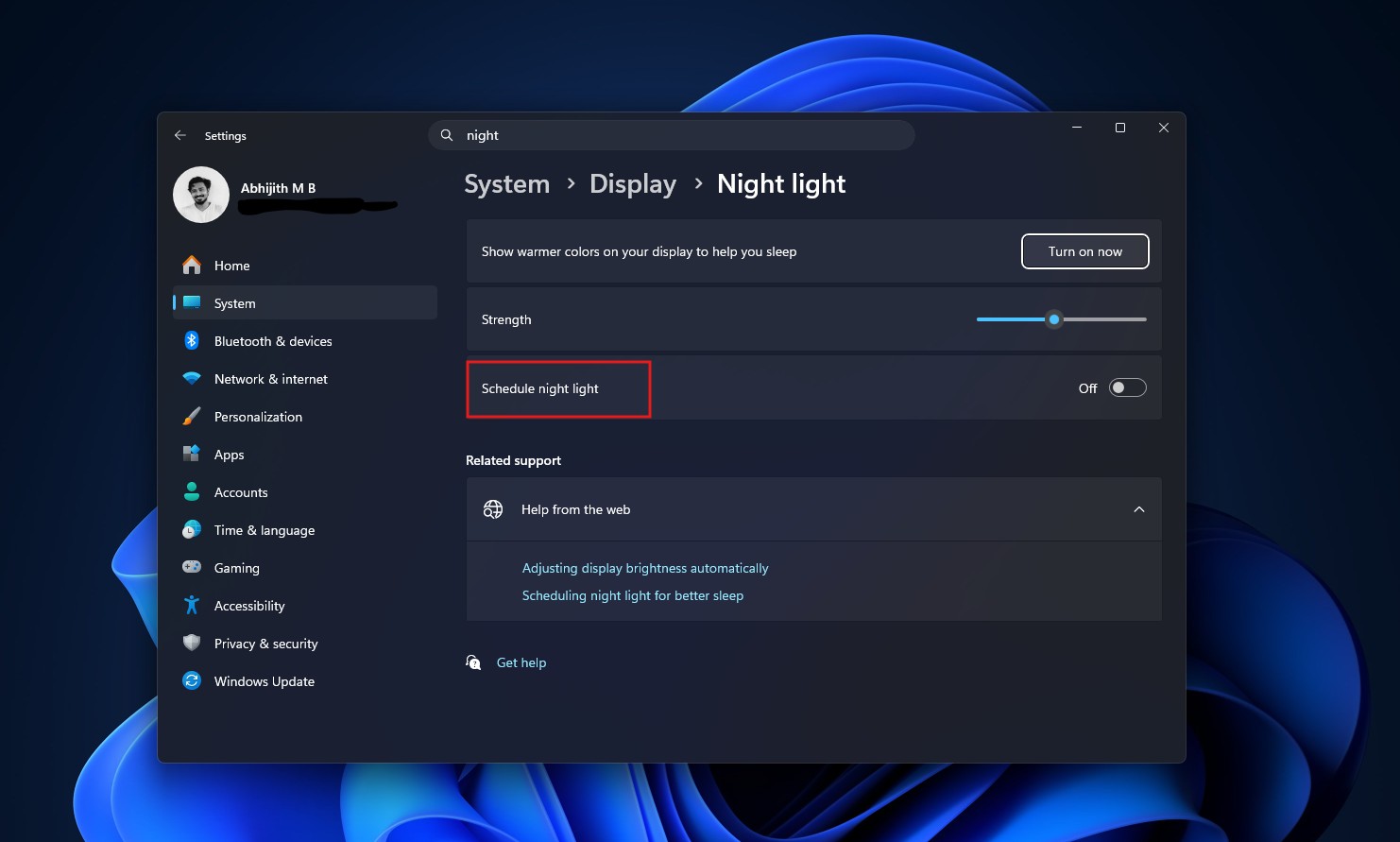
The sunset-to-sunrise option would use location services to calculate the schedule, similar to how Night light already supports scheduling from sunset to sunrise or during custom hours. When location services are disabled, dark mode could remain active between fixed start and end times, allowing a schedule such as 7 PM to 7 AM without sharing location data with Windows.
The most interesting string is “Mode only changes when PC is idle.” This option appears designed to prevent the theme from changing while someone is working or participating in a meeting. It does not necessarily mean that Windows is tracking meetings. More likely, if a scheduled transition occurs while the PC is active, Windows will delay it until the machine becomes idle, preventing the screen from suddenly switching from white to black during a presentation.
Windows 11’s Dark Mode Will Not Require Third-Party Apps
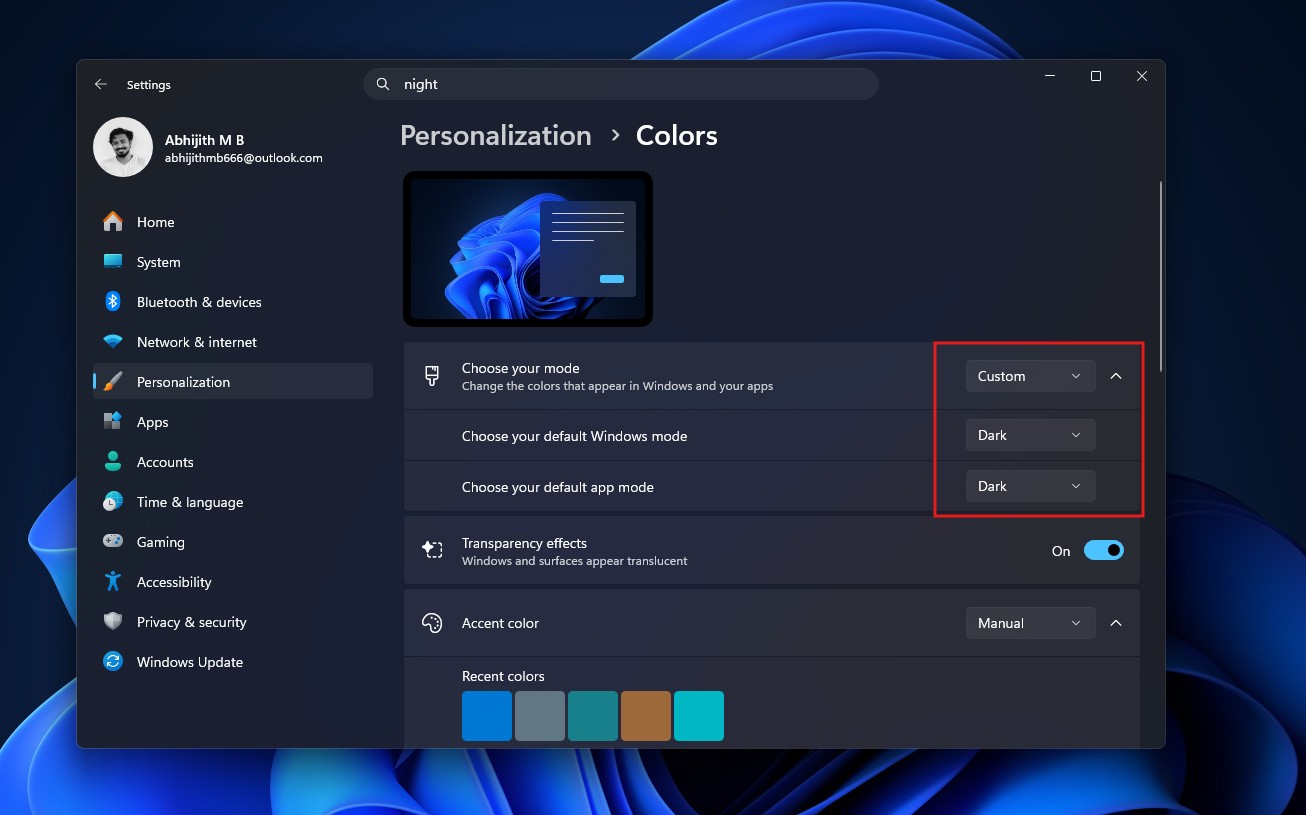
Windows 11 already supports Light, Dark, and Custom modes under Settings > Personalization > Colors. Custom mode allows users to configure Windows and apps independently. The obvious omission has been a built-in option to schedule these modes by time.
Windows 10 introduced its modern dark theme with the 2016 Anniversary Update, presenting it as a useful way to give supported apps a darker appearance at night. However, automatic scheduling was unavailable.
I have used f.lux since Windows 10, although Windows Night light is sufficient. What has always seemed unusual is that Windows can schedule Night light but not the system theme.
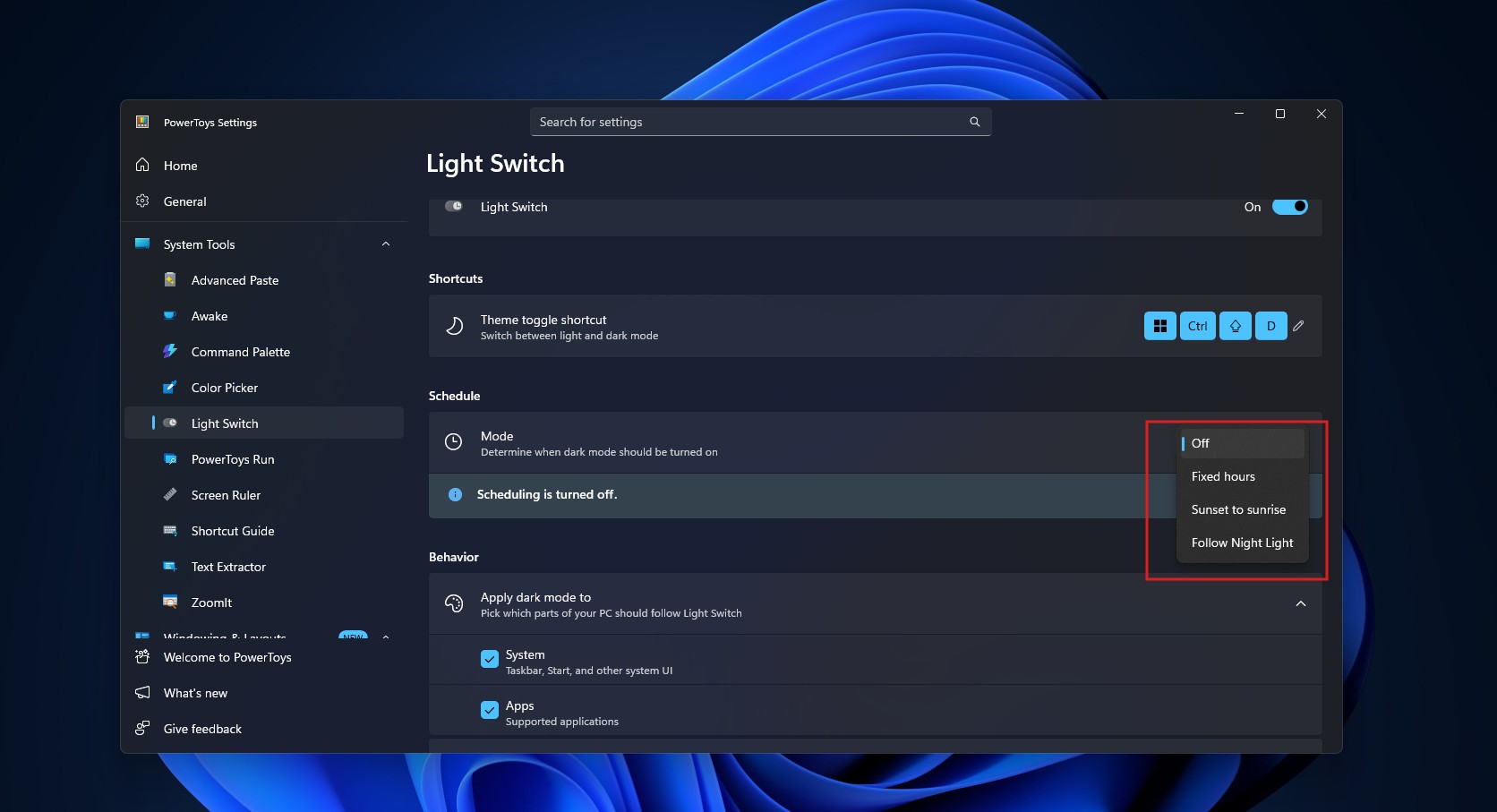
The PowerToys Light Switch feature can already schedule dark mode using three options: Sunset to Sunrise, Fixed Hours, and Follow Night Light. It also allows users to apply dark mode to the system interface, apps, or both. PowerToys is MS’s own tool.
When Light Switch was released, we noted that automatic theme switching was already one of the most requested Windows features and could eventually become native to Windows.
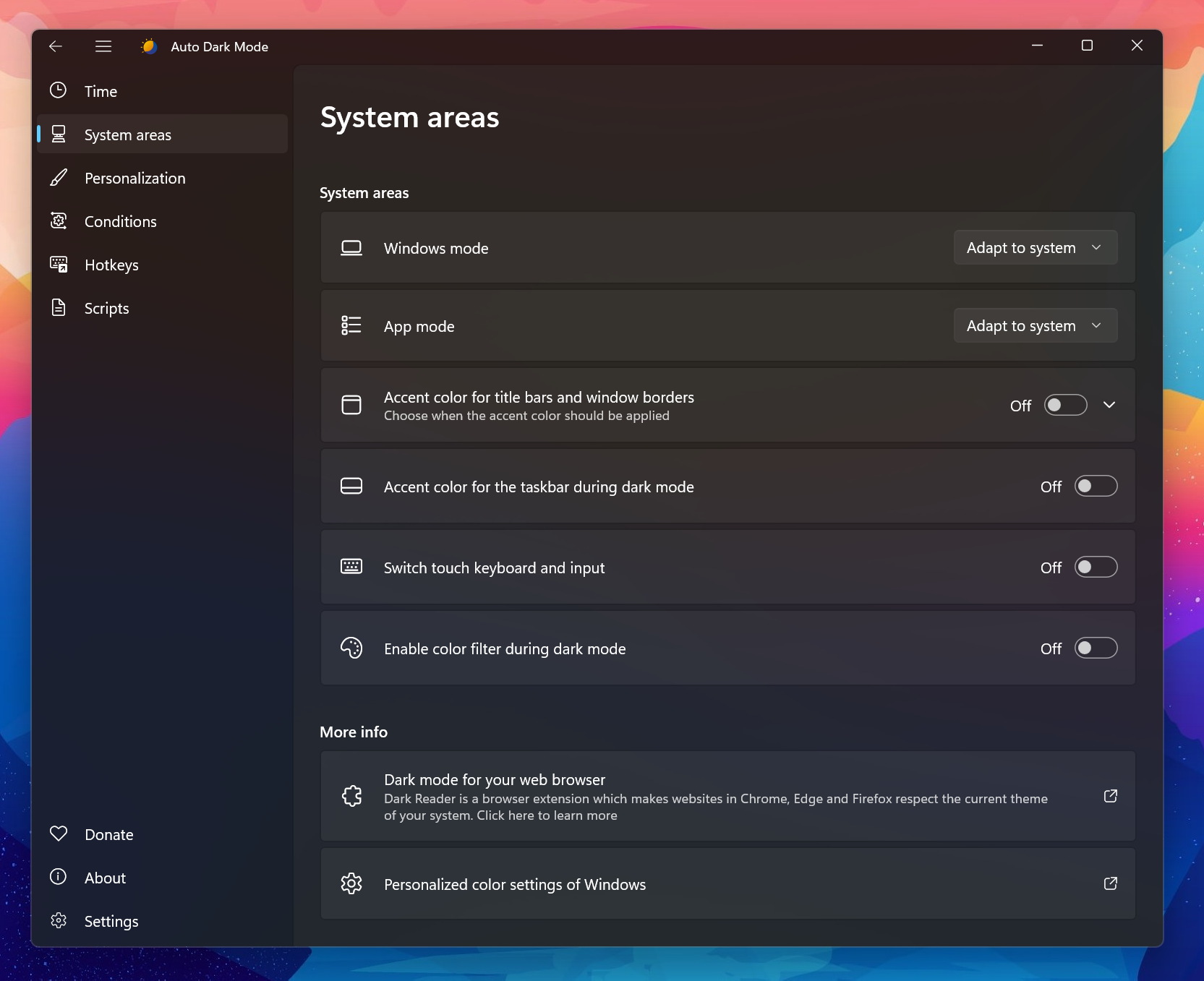
An open-source Auto Dark Mode utility is also available, offering conditions such as pausing theme changes during gaming. MS is essentially integrating functionality that power users have already installed separately.
MS Is Completing Windows 11’s Dark-Mode Overhaul
Interestingly, the scheduling feature is emerging alongside a broader dark-mode cleanup. It has become a running joke that Windows 11’s dark mode still includes older Win32 dialogs that display a bright white interface when accidentally opened at night.
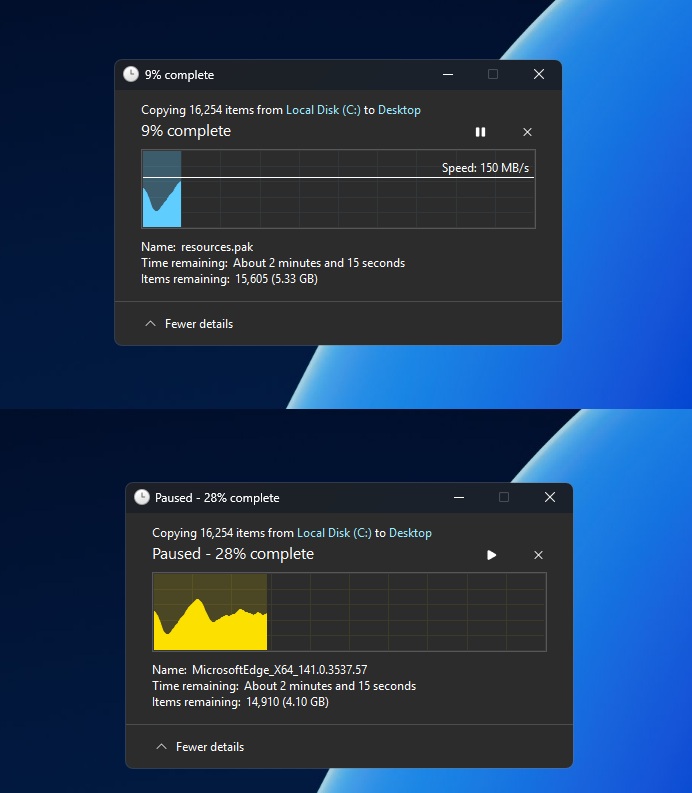
Windows Latest reported on MS’s first effort to add dark-mode support to legacy file-operation dialogs in 2025, including copy, move, and delete dialogs. Although the update briefly introduced a white-flash bug, MS later fixed it.
MS has since confirmed a broader dark-mode overhaul rather than simply applying dark colors to old dialogs. The Windows 95-era Properties dialog is being rebuilt in native WinUI 3 with dark-mode support. This forms part of a wider effort to move more of the Windows interface to WinUI 3 instead of patching legacy code one component at a time. We also reported on the change with screenshots of the new Print Management tool.
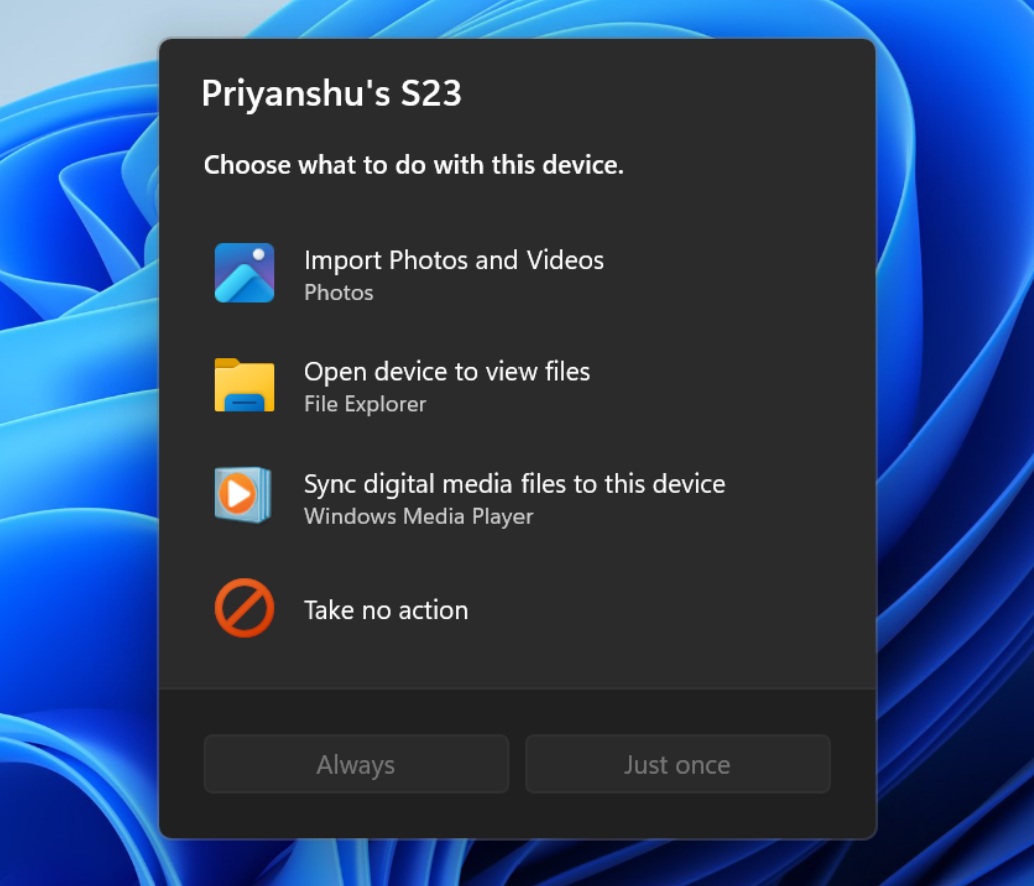
AutoPlay is next in line, with built-in dark-mode support. Auto Dark Mode is arriving as Windows finally becomes more consistent in its implementation of the theme.
Did MS take its time implementing this feature? It certainly did. macOS already includes it natively, including the ability to wait until the Mac is idle before changing themes.
Nevertheless, I look forward to seeing more quality-of-life improvements like this in Windows 11.
Windows Latest depends on readers like you. Make us your Preferred Source on Google Discover and Google Search, and help our independent reporting reach more people.
