

There is no denying that Bluetooth on Windows has been problematic. Many users have experienced unstable connections or seen Bluetooth disappear entirely. MS is aware of most of these issues and is rolling out a major update that addresses several Bluetooth-related problems.
MS has released update 26200.9539 to testers in the Release Preview Channel of the Windows Insider Program. It includes as many as nine notable Bluetooth fixes—a significant development because Bluetooth rarely receives substantial bug fixes.
In fact, Windows 11 changelogs from the past five years suggest that MS has made relatively few meaningful improvements to Bluetooth.
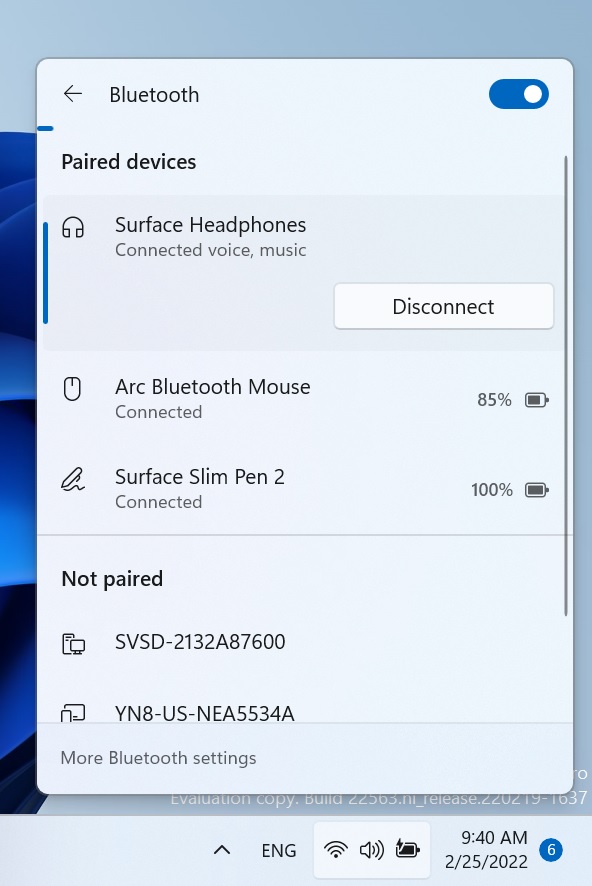
MS now says it is making Bluetooth connection states more accurate. For example, after connecting or disconnecting a Bluetooth device, Quick Settings may incorrectly continue to show the device as connected or listed. This update improves that behavior by displaying a more accurate connection status.
Better Bluetooth Calling on Windows 11
MS is also improving the calling experience on Windows 11 when Bluetooth headsets are used during meetings in apps such as Teams or Google Meet.
When users adjust the volume of a connected Bluetooth headset during a voice call, Windows’ built-in volume flyout will now appear.
MS describes this as improved “visual feedback of the new volume level.” The broader Bluetooth changes are intended to enhance reliability when connecting to and using Bluetooth devices. Because this is an operating system-wide improvement, the same experience will be available across Teams, Google Meet, WhatsApp, Telegram, and other calling apps.
The update also improves the stability of the Bluetooth & devices page in Settings when users manage Bluetooth and audio devices.
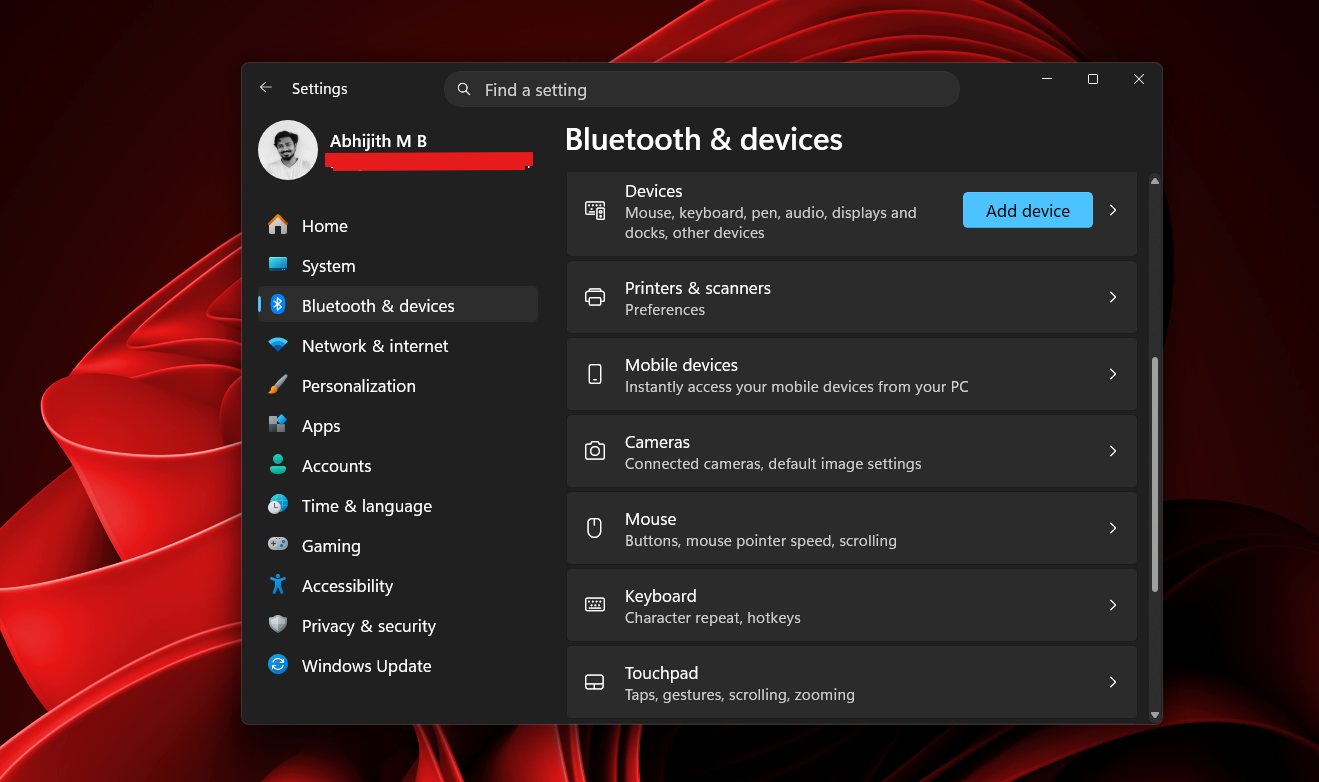
Another change should improve microphone compatibility on certain PCs that use Bluetooth Classic Audio accessories. The update also fixes a bug that could cause the Bluetooth radio to be turned off even when the toggle on the Bluetooth & devices page appeared to be enabled.
Users with newer Bluetooth headsets that support LE Audio should also notice better performance and reliability.
MS has not explained exactly how it has improved Bluetooth reliability, and the company may never disclose the technical details behind these fixes. Consumers should nevertheless expect a more reliable Bluetooth experience.
OEMs such as Intel are also expected to release additional driver updates aligned with MS’s new quality guidelines. Intel has already begun adopting MS’s updated driver quality standards for its wireless drivers.
MS Says Windows 11 Driver Quality Will Improve Significantly
In May 2026, MS brought OEMs and other hardware partners together at the Windows Hardware Engineering Conference, or WinHEC, to work on the next major ecosystem update. The Windows team met with OEM, ODM, silicon, and IHV partners to discuss the factors that make the operating system unstable and the extent to which drivers contribute to those issues.
“[We wanted] to talk honestly about where we are, opportunities to be better connected as an ecosystem and where we’re going together,” MS said at the event. The discussion forms part of the company’s broader plan to raise its quality standards.
Windows cannot improve if its drivers are poorly implemented. Even if Bluetooth itself becomes better, an underlying driver problem can prevent users from experiencing what MS calls “improved reliability.”
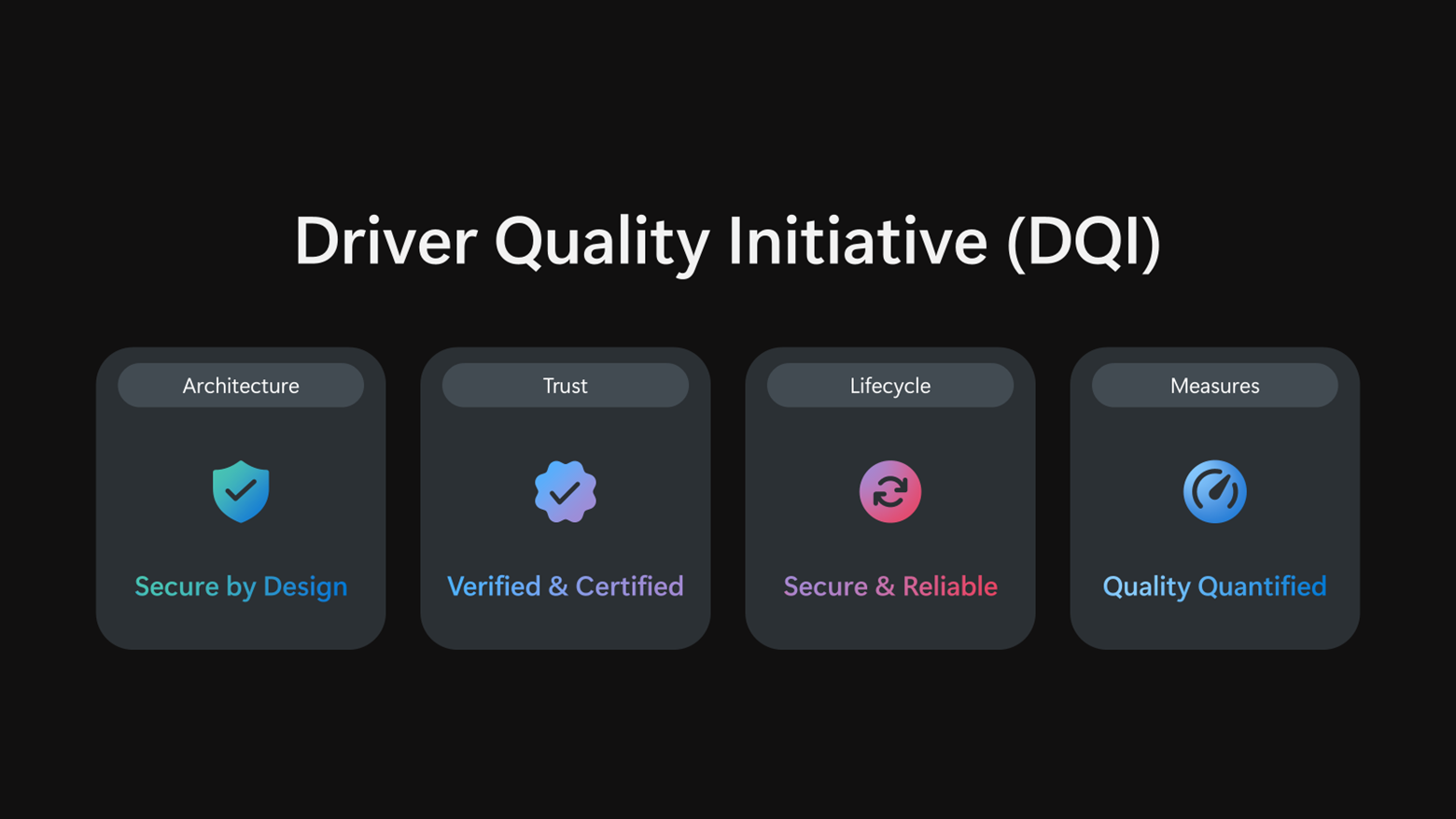
MS instructed its partners to follow the new Driver Quality Initiative (DQI). The initiative aims to make drivers more trustworthy, remove outdated or low-quality drivers that cause compatibility issues, and improve the security and reliability of updates delivered through Windows Update. MS’s driver quality reset also targets crashes, performance, and battery life.
“Great platforms aren’t built in isolation. Platform quality depends on early, honest collaboration across OEMs, ODMs, silicon partners and IHVs. WinHEC brings engineers together with MS to align early, solve real problems and deliver higher-quality solutions for our shared customers,” said Syam Poluri, Distinguished Engineer at Dell Technologies.
“When drivers are high quality, customers experience reliable, secure, performant devices. When drivers fail, customers experience it as a device problem, regardless of where the root cause sits,” MS said.
Through DQI, MS says it is investing heavily in strengthening kernel-mode drivers and moving more third-party kernel-mode drivers to user-mode drivers or MS-authored class drivers. The goal is to improve security, reliability, and resilience by reducing the amount of third-party driver code that must operate deep within Windows.
MS is also cleaning up Windows Update by deprecating outdated or low-quality drivers. In a related change, the company has begun rejecting known problematic driver files during the signing process, preventing them from being published through Windows Update.
Rather than focusing primarily on crashes, MS says it will also evaluate stability, functionality, performance, power consumption, and thermal impact.
Most of these driver-related changes remain under development, and further details are expected later this year.
Windows Latest depends on readers like you. Make us your Preferred source on Google Discover and Google Search to help its independent reporting reach more people.
