MS Wants Android Phones to Shut Down Windows 11 PCs, Even as Sleep Still Breaks the Connection
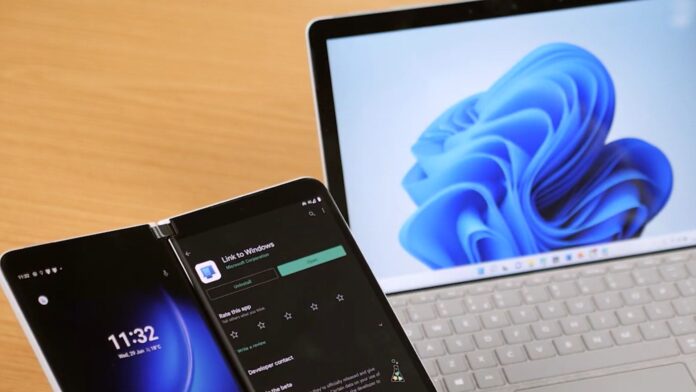
Windows 11’s Phone Link, also known as Link to Windows, is one of the best features MS has introduced in recent years—but only when it works. If you are unlucky, you might wake your PC from sleep and discover that your Android phone has disconnected, leaving you staring at a “Connecting” alert when you try to browse photos or view recent notifications and messages.
MS wants to make the connection more reliable. In an October 24 post on X, spotted by Windows Latest, Windows chief Pavan Davuluri confirmed that the company is aware of the feedback and is working on improvements, including how a PC reconnects to a phone after waking from sleep.
“Reliability is a top priority for us,” Pavan wrote. “We continue to invest in improving connectivity reliability and speed, including when your PC wakes up and reconnects to your phone. I’ll make sure the team sees this as well.”
I have also experienced unreliable connections while using Phone Link with my Galaxy S23, which is supposedly one of the most compatible devices for the feature. Some of these issues occur when Windows enters sleep mode or Android’s battery saver suspends the Link to Windows background service to conserve power.
Phone Link Users Are Tired of Unreliable Connections
A Feedback Hub post titled “Your Phone app connectivity issues,” published more than a year ago, has received over 3,660 upvotes and 159 comments. One user noted:
“Phone link used to work fine for simple things, but now it’s always losing phone connection. Even when I get one app to link, features like photos are now failing halfway through something.”
“It’s got worse recently. It’s now regularly complaining that my phone is offline (with the new indicator) but it isn’t. It wasn’t a couple of hours ago when it picked up a notification, but just now it’s missed one, and nothing’s changed in the meantime. So unreliable.”
MS official Aaron K has already responded to the feedback, noting that the “team is hard at work to bring you a better experience with Your Phone.” However, most users remain unconvinced, even though they recognize that Phone Link’s reliability also depends on Android, whose often aggressive security and battery-saving features can affect connections.
“This is not an issue for millions of Windows users to work around with the above workarounds. It is for MS to make the app work before releasing it,” one user wrote.
MS Is Testing Remote Control for Link to Windows on Android
MS is also developing new ways to control a Windows 11 PC from an Android phone. In addition to the existing option to lock your PC, users may eventually be able to restart it, shut it down, or install updates remotely.
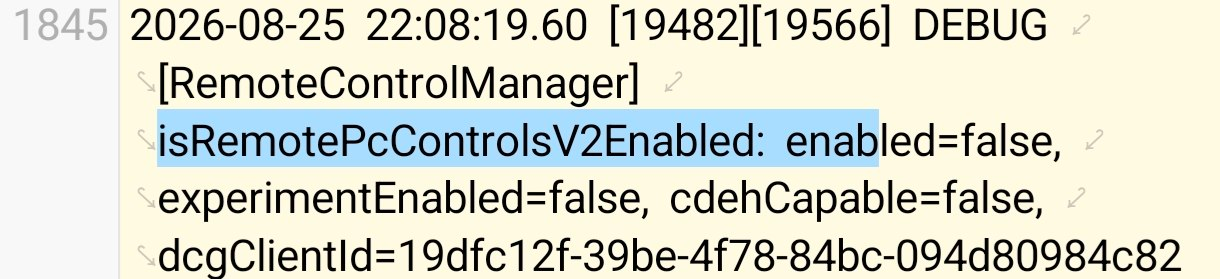
I found references to the feature, internally called RemoteControlManager, in the Link to Windows app for Android. It includes strings related to restarting or shutting down a PC.
Two additional strings are particularly interesting: pc_controls_update_and_restart_label and pc_controls_update_and_shutdown_label. As their names indicate, these options will allow users to install Windows updates and then restart or shut down the PC.
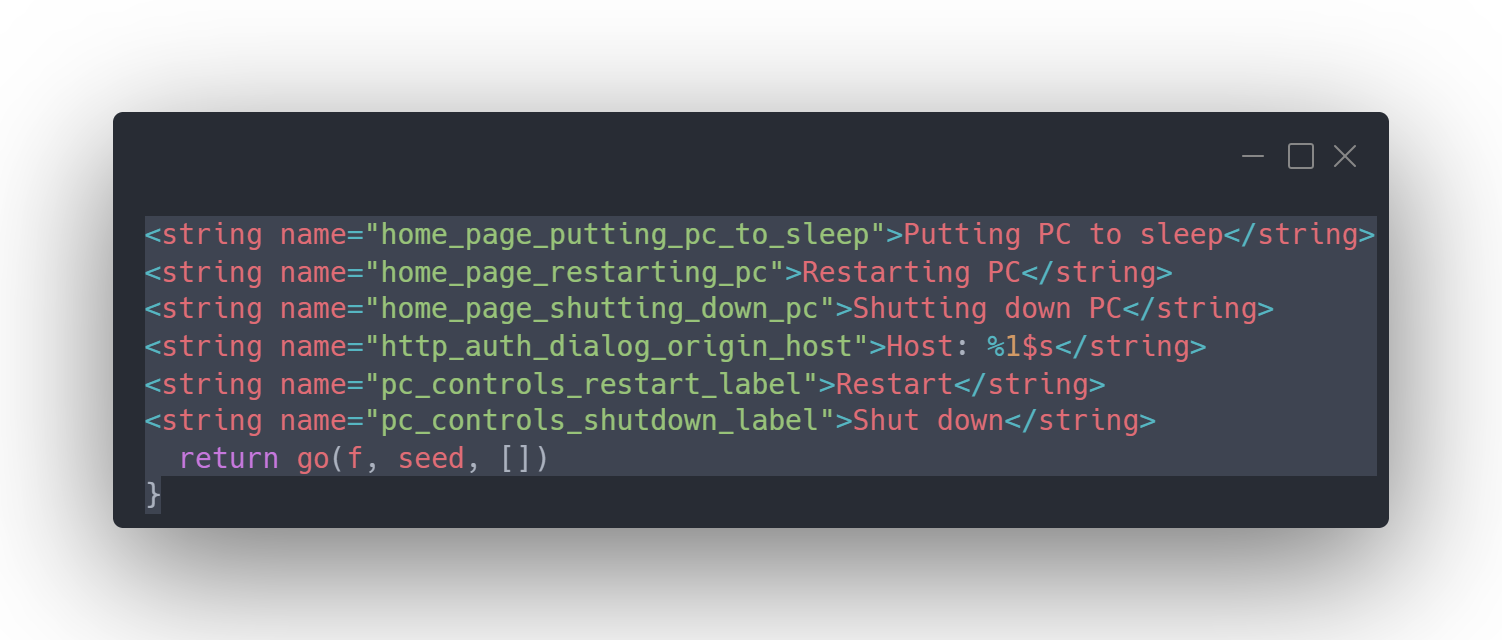
If you put the PC to sleep, you will be warned that Link to Windows could disconnect. The message states: “After it’s asleep, it will be disconnected from this device. You need to go to your PC to wake it up.”
Another string states: “A restart is needed to finish an update on your PC. Any unsaved work in open apps from your PC will be lost. Since you’re away, you won’t be able to save it from here. Do you want to restart anyway?”
MS’s efforts to bridge the gap between Android devices and PCs are noteworthy. With reliability improvements on the way, these remote-control features will make even more sense. The developments clearly show that MS is paying attention to user feedback.
Windows Latest depends on readers like you. Make us your Preferred source on Google Discover and Google Search, and help our independent reporting reach more people.