

AutoPlay in Windows 11 is Getting a WinUI 3 Update
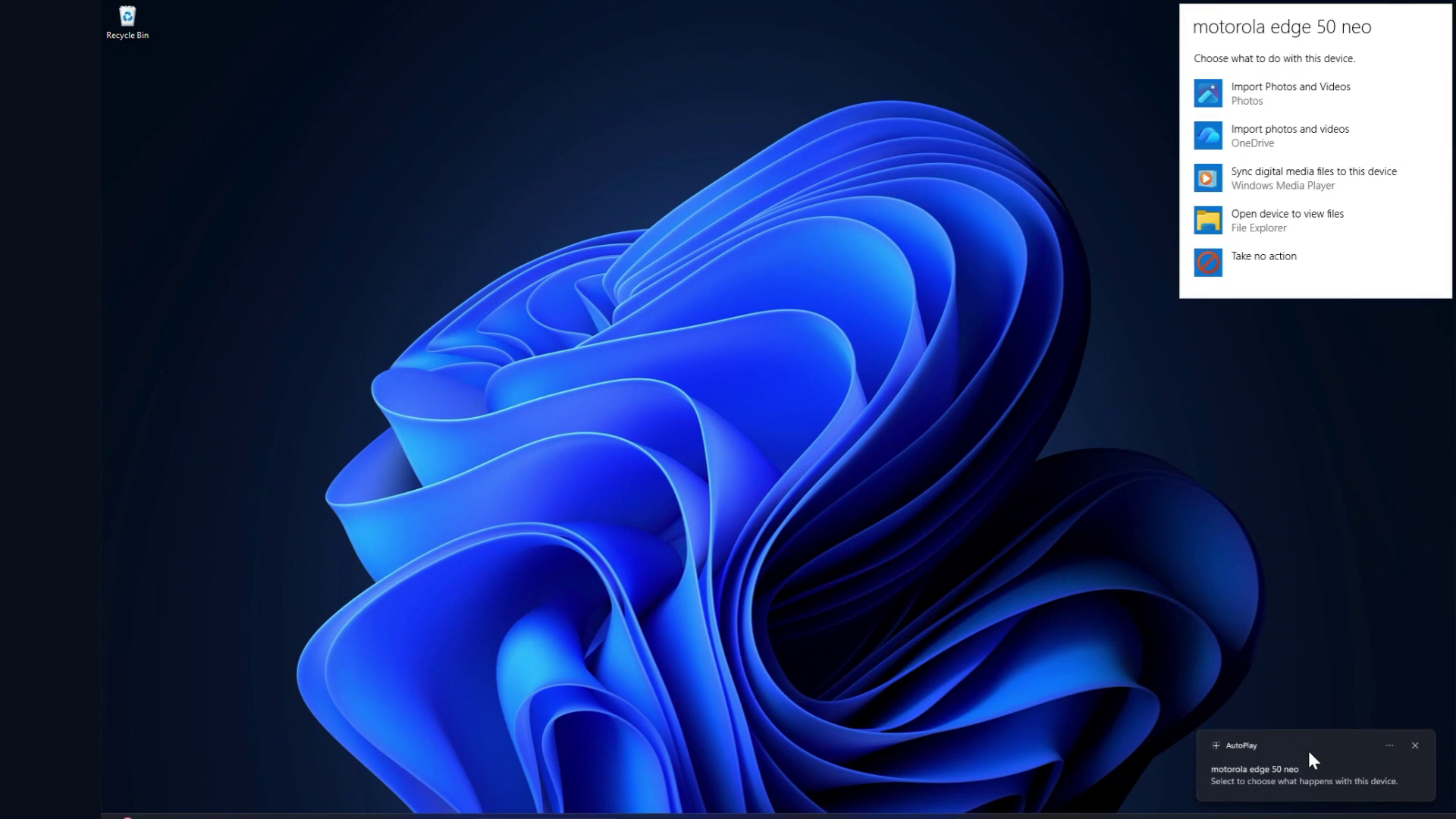
AutoPlay, the pop-up that prompts users with options upon connecting a USB drive or SD card, is set to receive a WinUI 3-based redesign. MS confirmed this update in its July 31 statement on its Windows quality commitment. This update will bring dark mode support, Fluent typography, and a streamlined, modern design consistent with the rest of Windows 11’s aesthetic.
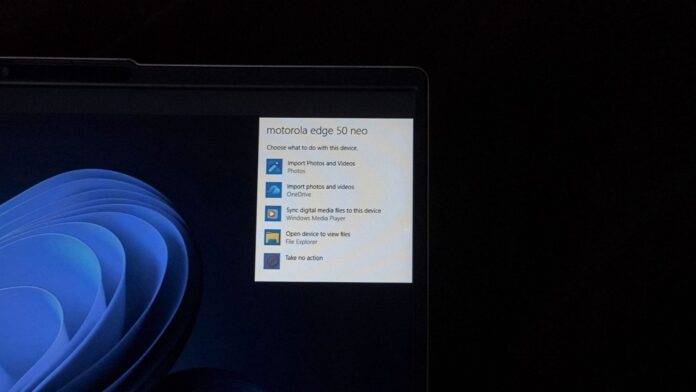
Windows 11 remains a blend of modern and legacy code, with some dialogs sporting a Fluent Design refresh while others appear frozen in time, unchanged since Windows 7 or earlier. This inconsistency has become a long-standing critique of the operating system. Overhauling every element at once would be impractical due to complexity and risks, so MS has adopted a phased approach, redesigning dialogs one at a time.
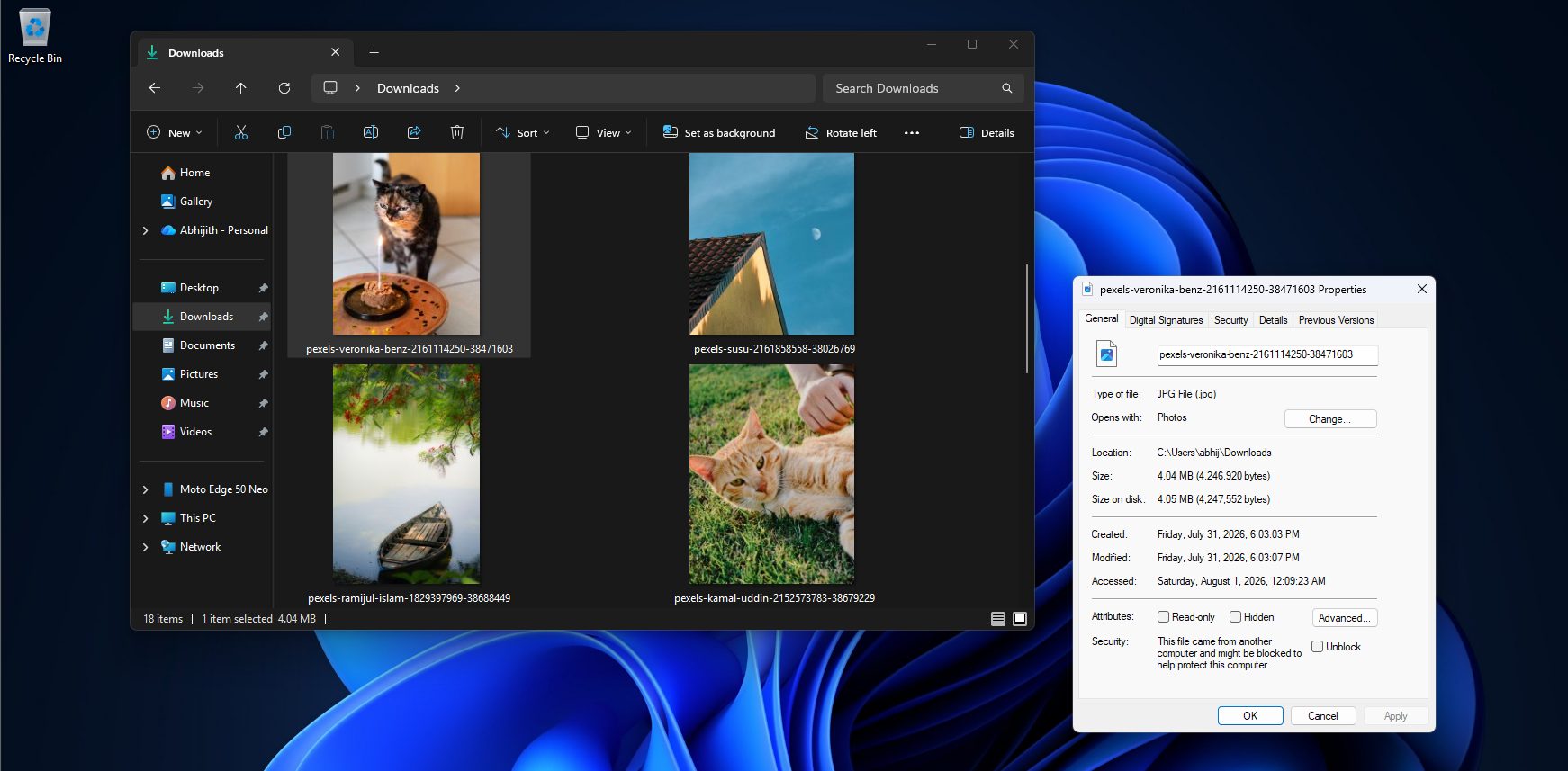
MS has already made progress on this front. For instance, the File Explorer Properties dialog has been rebuilt using WinUI, and other legacy dialogs are following suit. Recently, the company introduced an early WinUI-based test build for Print Management. AutoPlay is the latest addition to this list, and testing for its redesigned dialog has already begun in Windows Insider Preview Experimental builds.
The Evolution of AutoPlay
AutoPlay debuted in Windows XP in 2001, improving upon the older AutoRun feature by allowing users to select actions when a disc or drive was inserted, rather than automatically launching associated programs. In Windows Vista, security enhancements were introduced, but the overall design of AutoPlay has remained largely unchanged since Windows 7, with a simple white background, basic Win32 controls, and a list of app icons.
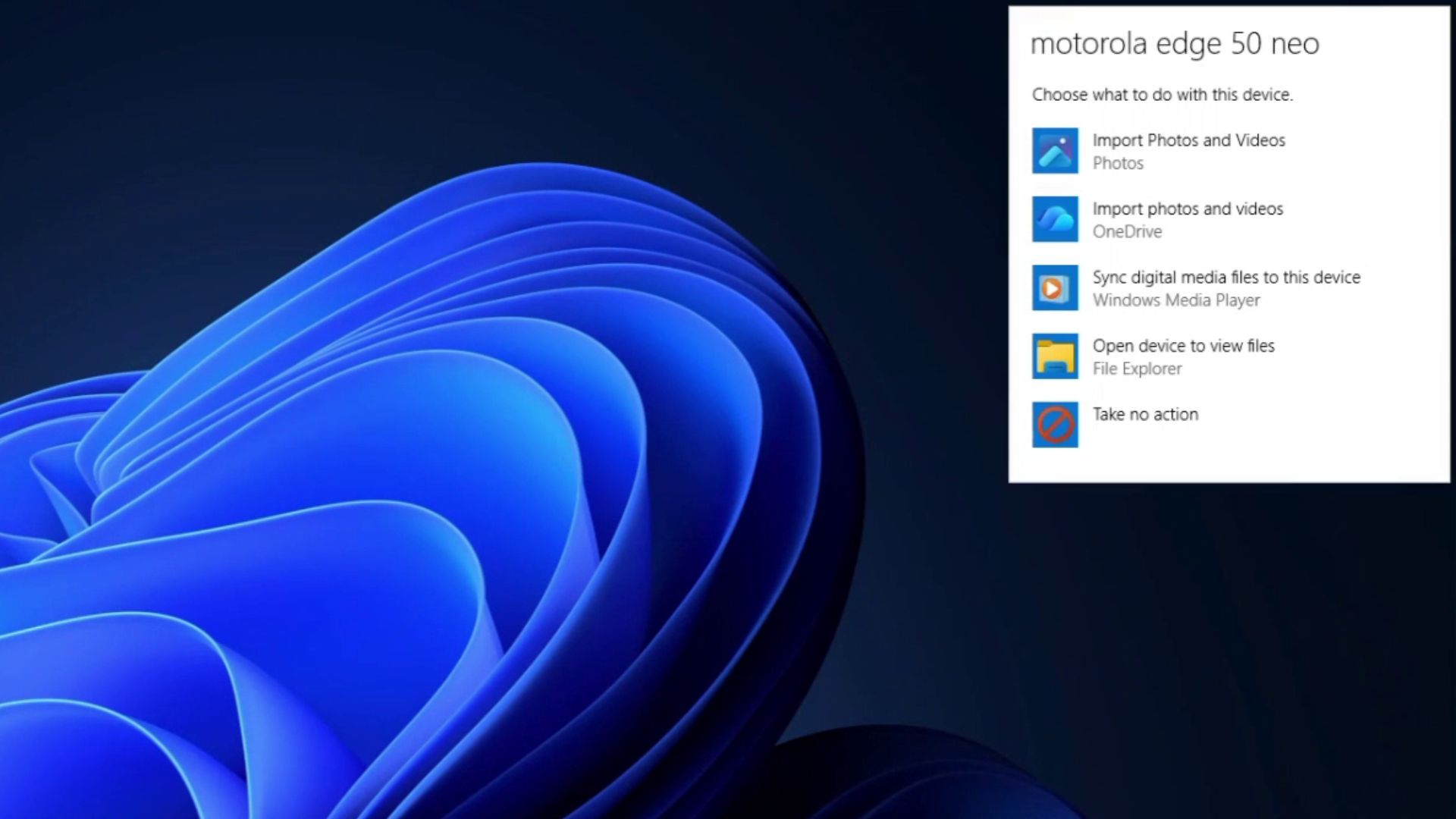
Thankfully, this outdated design will soon be replaced. According to MS’s blog, “We’ve strengthened the fundamentals of WinUI 3 and extended it into more of the Windows shell, including Widgets and the new Run experience. The AutoPlay dialog and additional File/Folder Properties dialogs are coming soon to Windows Insider Preview Experimental builds.”
This means AutoPlay is being rebuilt from scratch using the WinUI 3 framework. Legacy Win32 dialogs like AutoPlay do not automatically support modern features like Windows' system-wide dark mode. Each dialog must explicitly opt in, which is why older dialogs often flash white even when dark mode is enabled. By leveraging WinUI 3, theming, scaling, and Fluent styling are handled natively, eliminating the need for manual patches.
Marcus Ash, CVP Design and Research for Windows, expressed his enthusiasm for this update in response to a user’s request to modernize AutoPlay back in May. At the time, he mentioned looking forward to confirming the redesign rather than merely promising a temporary dark mode fix.
Extending WinUI 3 Across Windows Shell
MS’s broader goal is to extend the reach of WinUI 3 throughout the Windows shell, which encompasses core interface components like the taskbar, Start menu, File Explorer, and system dialogs. Significant progress has already been made, with Widgets and the new Run experience now strengthened, and additional File and Folder Properties dialogs slated for upcoming Experimental builds.
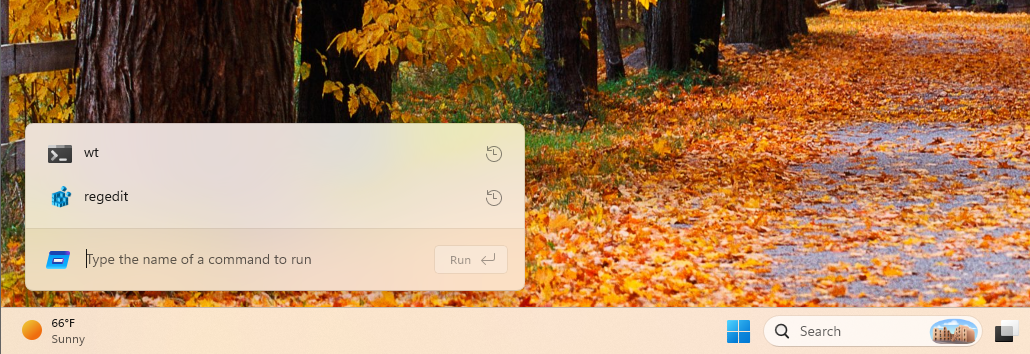
Behind the scenes, MS has also implemented “substantial improvements in memory efficiency and latency” in its WinUI 3 work. By design, WinUI 3 apps consume less memory and feature optimizations like a more efficient memory allocator and reduced overhead in Chromium and WebView2 components still present in parts of the OS. Every legacy dialog transitioned from Win32 or WebView2 to native WinUI reduces inefficiencies and contributes to a more streamlined Windows experience.
Building a Lighter Windows 11
MS has acknowledged that Windows 11 has become resource-intensive and has pledged to optimize its performance for PCs with 8GB of RAM or more by 2026. This commitment comes after the company backtracked on its earlier recommendation of 32GB RAM as the ideal upgrade for gamers, given rising RAM prices and the prevalence of 8GB systems.
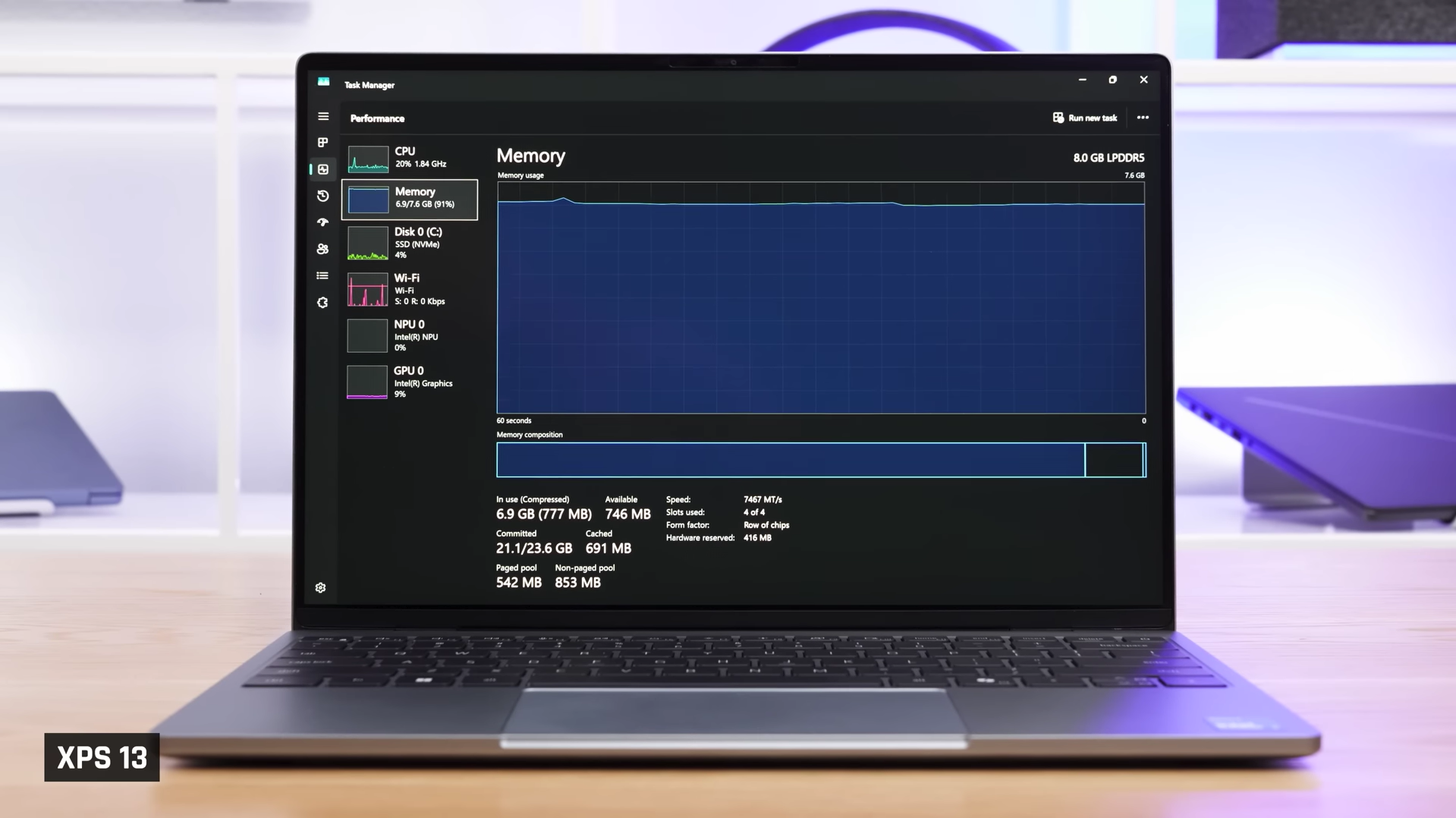
The modernization of AutoPlay is a step toward shedding the legacy weight of Win32 architecture. With WinUI-based updates to Widgets, Run, Properties, Print Management, and other dialogs, Windows 11 is on track to deliver a more cohesive and efficient user experience, finally addressing long-standing inconsistencies.
Windows Latest depends on readers like you. Make us your preferred source on Google Discover and Google Search, and help our independent reporting reach a broader audience.
