A New Zealand beach featured as a Windows 10 lock screen photo is now a travel hotspot
The Windows 10 Lock Screen Photo: From Digital Wallpaper to Viral Travel Destination
The iconic Windows 10 lock screen photo, featuring sweeping sea caves and dunes, has transitioned from being a familiar desktop backdrop to a viral travel destination. Captured by renowned photojournalist Steve McCurry, best known for the National Geographic’s Afghan Girl, the image was shot in New Zealand for the 2015 Windows 10 launch. Remarkably, the real-life location is just as breathtaking as the image that graced billions of desktops over the past decade.
Wharariki Beach Goes Viral
Recently, an Instagram Reel showcasing Wharariki Beach gained significant traction, amassing 142 million views and 8.5 million likes in just a week. This attention has transformed the beach into one of the most-discussed travel spots online, despite its earlier association as a mere login screen image.
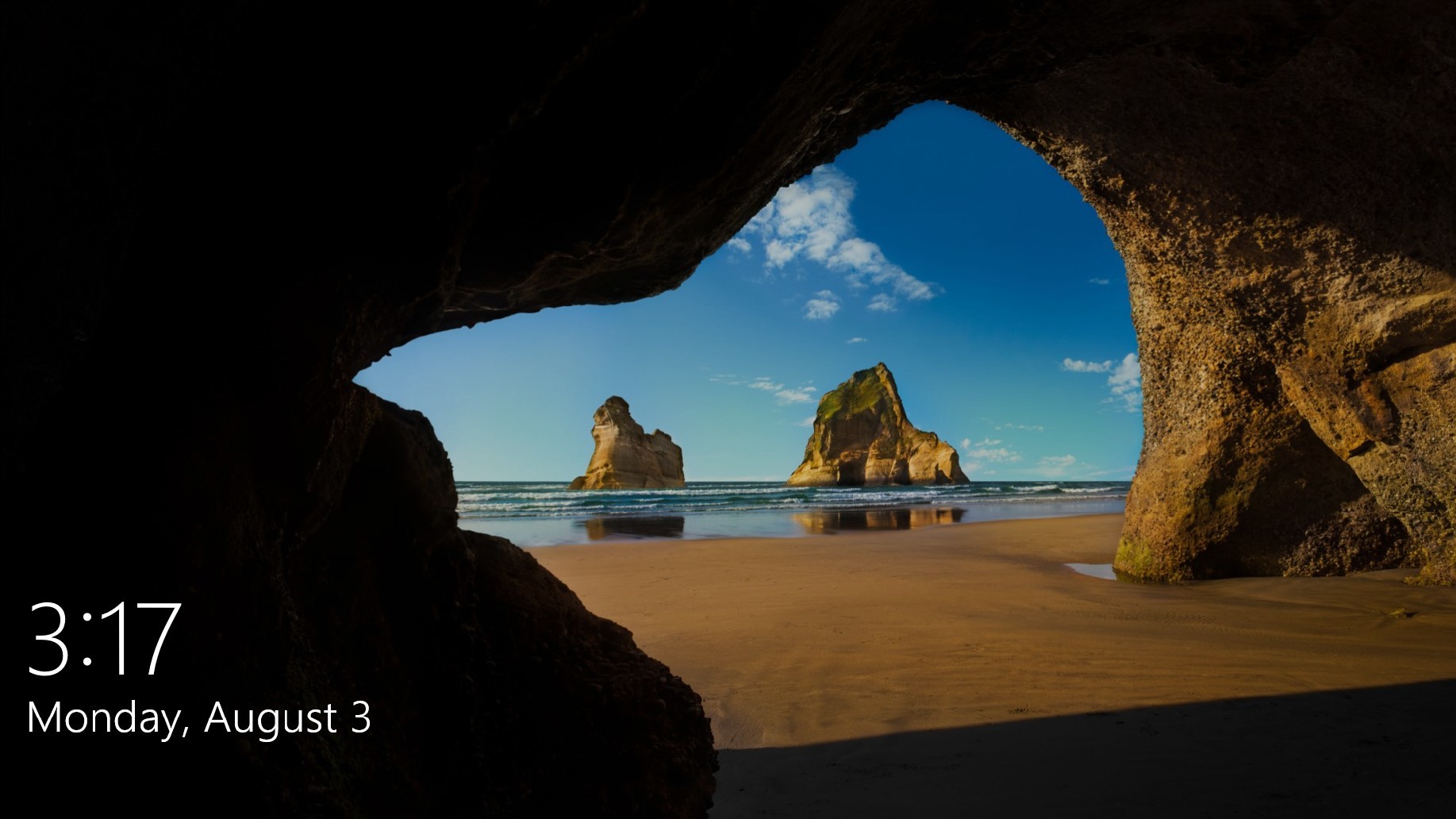
Windows 10 remains fondly remembered for its human touches, such as this lock screen photo, which contrasts sharply with the reputation of Windows 11—a version of Windows that has faced widespread criticism for its lack of warmth and user-centric design.
Travel Influencers and MS Join the Conversation
Travel creators Sagar and Ami sparked the latest wave of interest with their viral Instagram Reel, which documented their visit to Wharariki Beach. In their caption, Ami noted, “We thought the photos of Wharariki Beach were edited until we saw it in person. Giant sea arches, wild dunes, and sea caves—it genuinely feels like another planet. We came back twice in one day just to catch the sunset.”
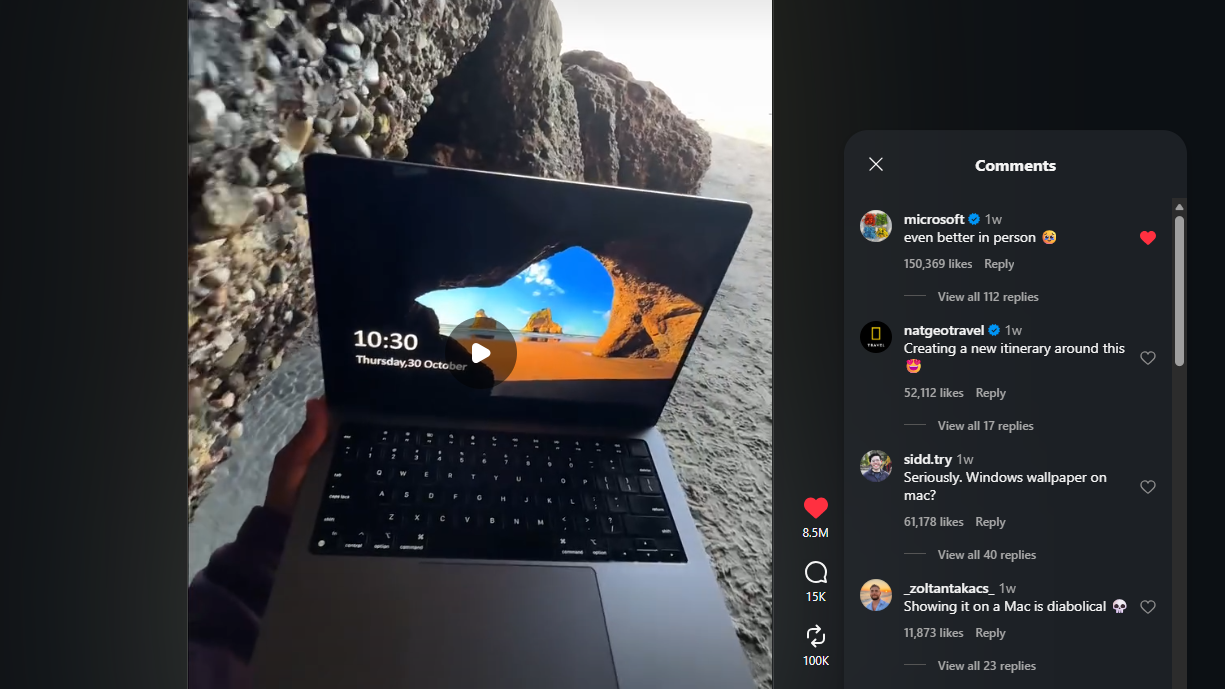
MS’s official Instagram account even joined the conversation, commenting, “Even better in person,” which garnered 150,000 likes, further amplifying the buzz around the beach.
Visiting the Real-Life Windows 10 Lock Screen
Wharariki Beach, located on the northern tip of New Zealand’s South Island in Golden Bay, is as picturesque in reality as it appears on the lock screen. Reaching the beach requires a scenic drive from the town of Tākaka, followed by a 20-minute walk through farmland. To experience its sea caves and tidal pools, visitors must time their visit for low tide and be prepared for the strong coastal winds with a windbreaker.
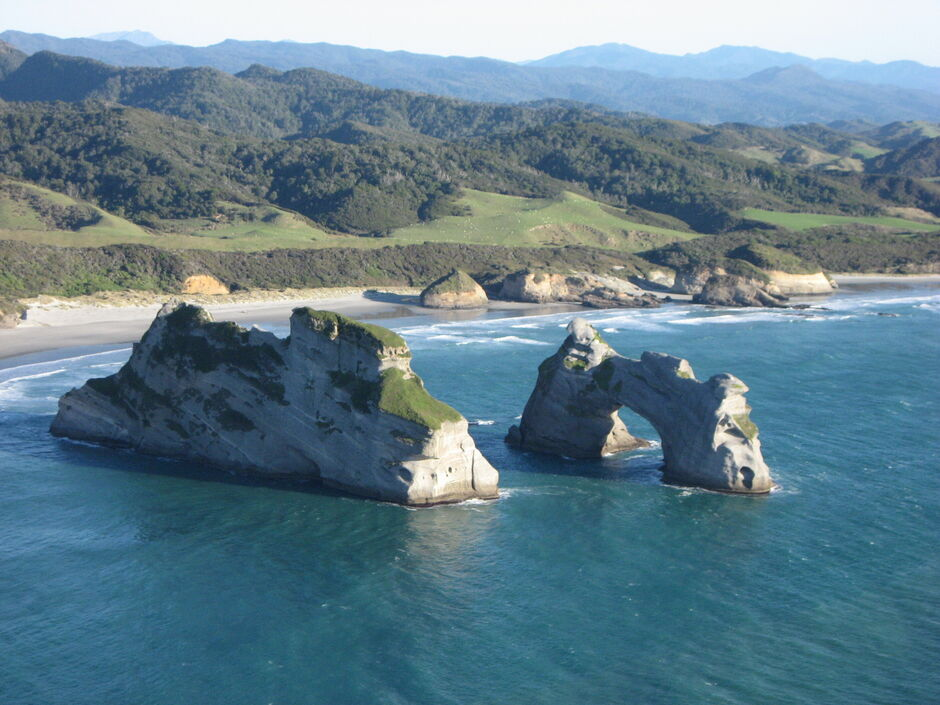
Interestingly, Wharariki Beach had already gained viral fame a year ago when another Instagram Reel by @getlostwithliam showcased the location. That video, captioned “POV: You finally go see the Windows screensaver in real life,” garnered over 746,000 likes, solidifying the beach’s status as a must-visit destination for fans of the iconic image.
Behind the Scenes of the Iconic Photo
The Windows 10 lock screen photo wasn’t just a stunning coincidence. MS specifically commissioned Steve McCurry and photographer Chad Copeland to capture New Zealand’s breathtaking locations. Additional retouching was done by Ekaterina Savtsova, with creative direction from Chris Raykovich, ensuring the image would resonate with millions of users worldwide.
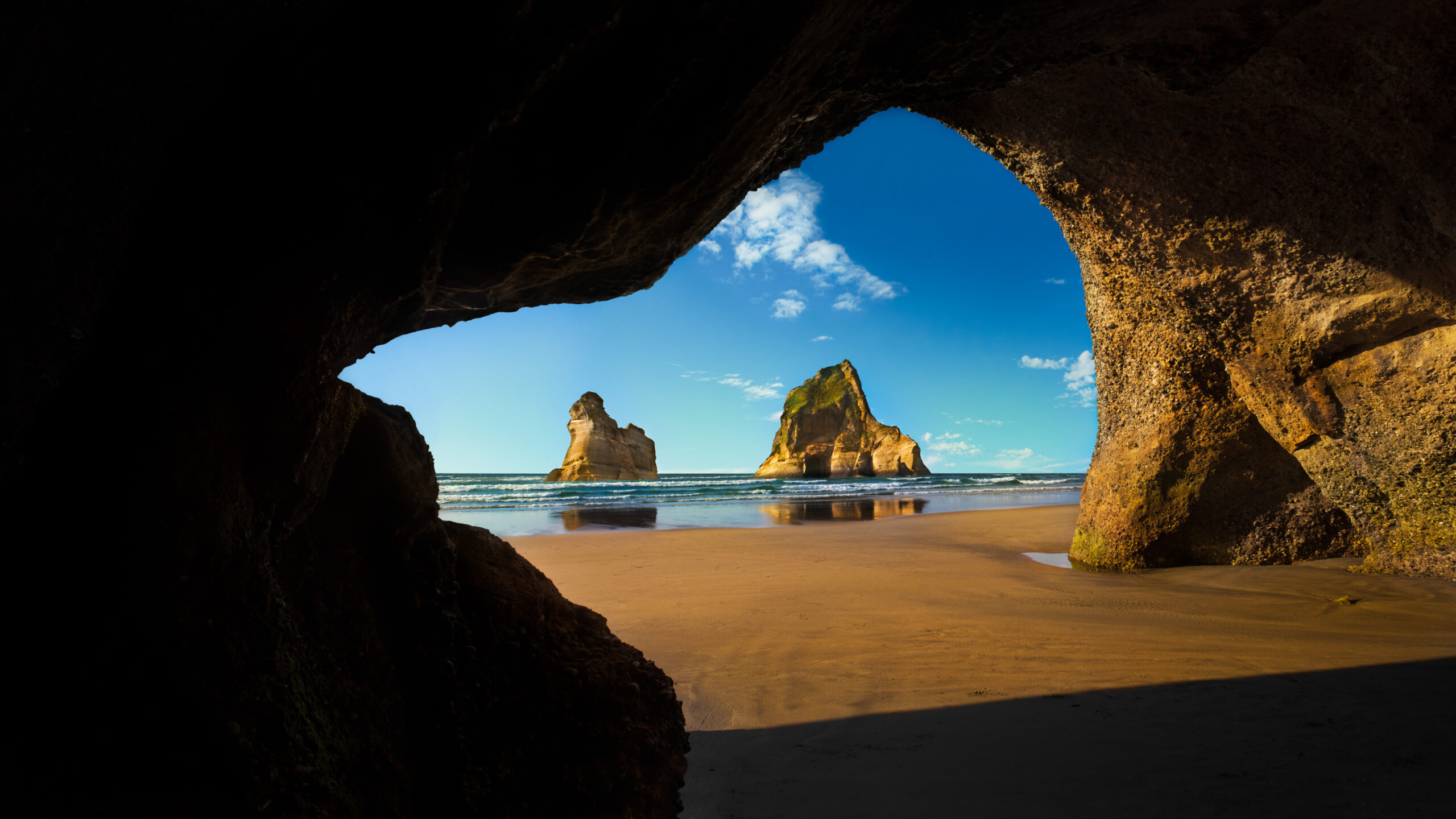
McCurry, who achieved global fame for his 1984 Afghan Girl portrait, likely never anticipated that one of his most-viewed works would be a Windows lock screen photo. However, this image has arguably become one of his most widely recognized, simply due to its ubiquity.
Windows Wallpapers Through the Ages
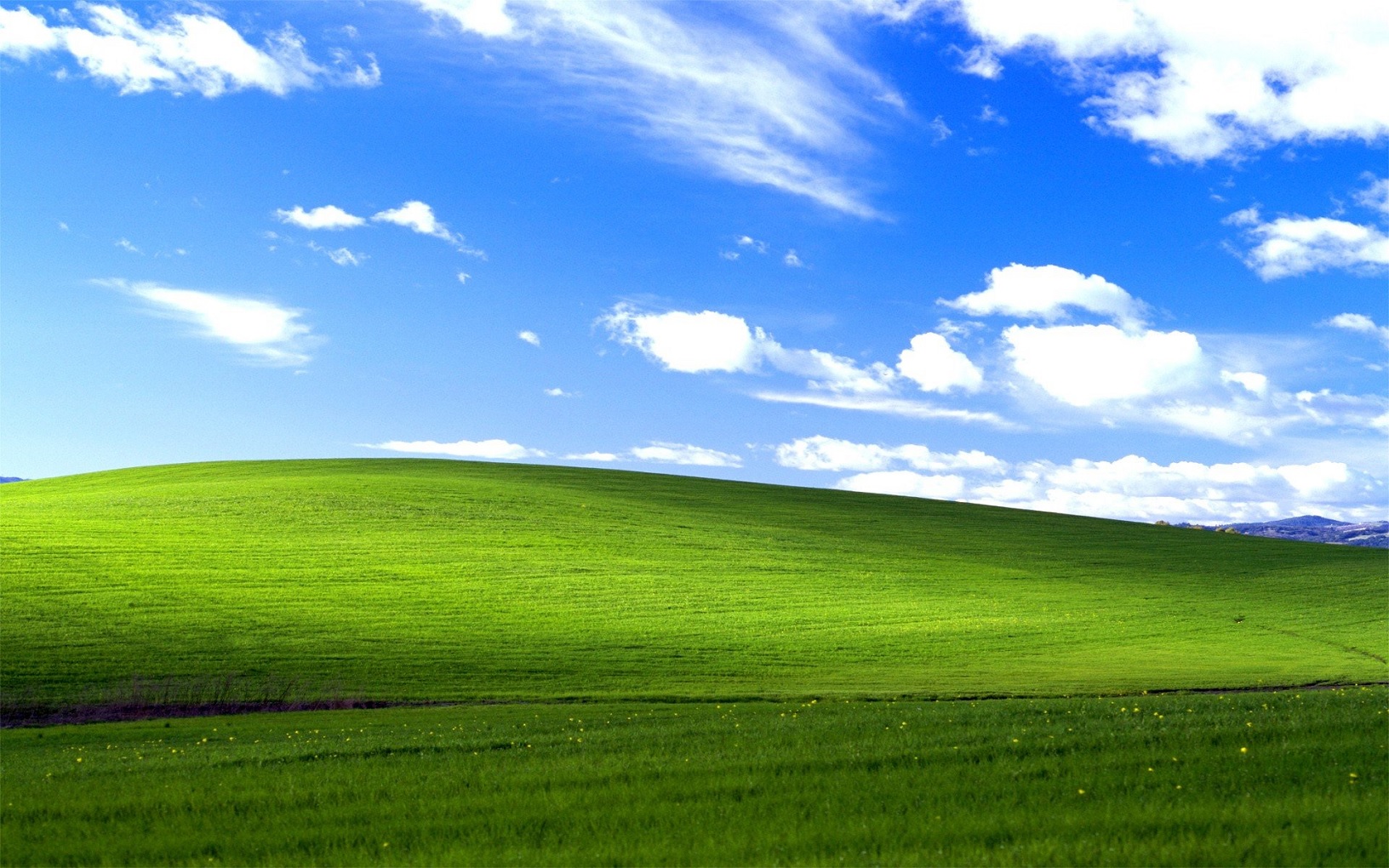
Windows 10 wasn’t the first version of Windows to feature an iconic wallpaper. Windows XP’s Bliss, a vibrant shot of rolling green hills by photographer Charles O’Rear, is often cited as the most-viewed photograph in human history. Other memorable XP wallpapers include Home and Autumn, which remain nostalgic favorites for early 2000s users.
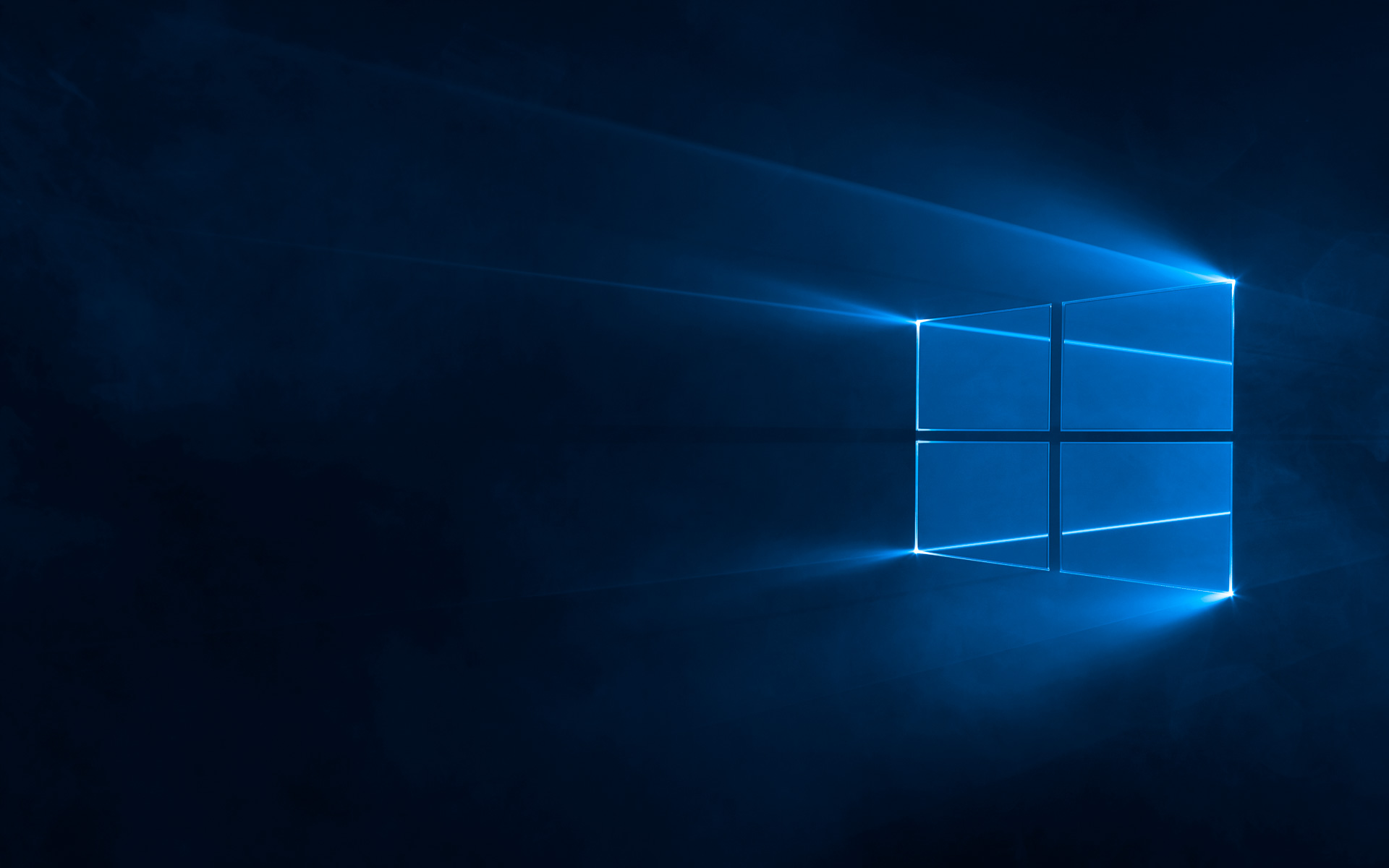
Windows 10 took a different approach with its default desktop wallpaper. Creative director Bradley G. Munkowitz and his team created the glowing four-pane Windows logo using lasers, haze machines, and advanced camera techniques, crafting a physical installation rather than relying on computer-generated art.
The Decline of Windows 11’s Identity
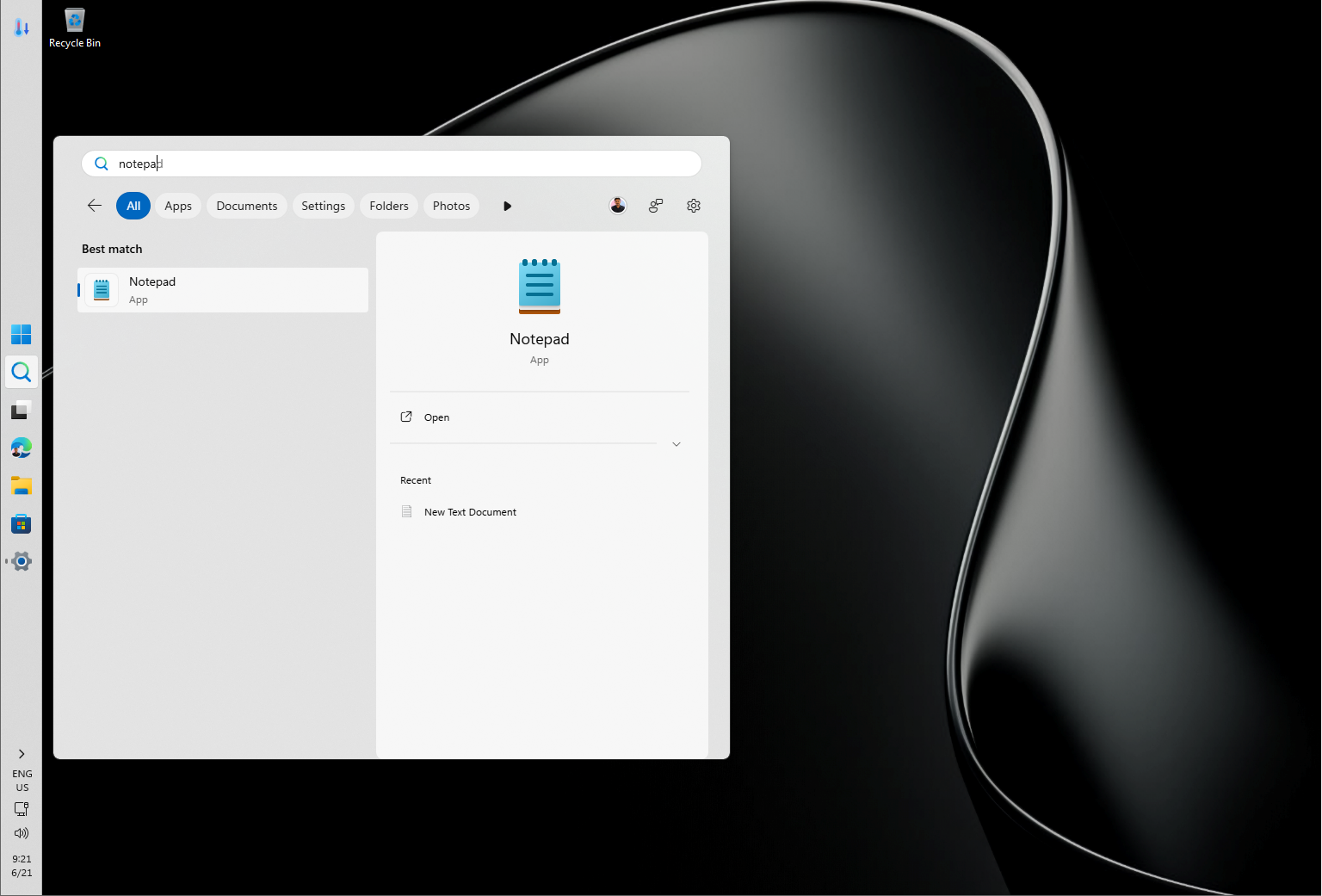
Unlike its predecessors, Windows 11 has struggled to establish a strong identity. Criticized for its reliance on web-based elements, increased telemetry, and perceived performance issues, the operating system lacks the warmth and personal touch found in earlier versions.
Features like Copilot, while innovative, feel more like corporate tools than user-friendly additions. This lack of human-centric design is a stark departure from the charm of Windows 10 and its memorable wallpapers.
What Windows 11 Can Learn from Its Predecessors
The viral success of Wharariki Beach underscores the importance of creating meaningful, human stories. For Windows 11 to resonate with users, MS needs to prioritize transparency, privacy, and user-focused features. A yearly event, akin to Apple’s WWDC, could help highlight significant updates in a cohesive and impactful manner, instead of the current piecemeal approach.
Your Favorite Windows Wallpaper?
Which Windows wallpaper or lock screen image sticks out in your memory? From Bliss to Wharariki Beach, these visuals have become more than just digital backdrops—they’re cultural touchpoints that remind us of the human stories behind the technology we use every day.