
 STEAM
STEAM
 PC Game

Microsoft Resolves Black Tearing Issue in WinUI 3 Applications
In Microsoft's continuous push to modernize native app development on Windows 11, the company has announced that WinUI 3 will soon feature smooth resizing, a capability currently available in Universal Windows Platform (UWP) apps.
Windows 11 is undergoing a considerable architectural transformation. For years, users have dealt with a mix of outdated interface components, sluggish web-based wrappers, and modern native applications. However, one persistent issue has been the visual glitch known as black tearing, which appears at the edges of the window when resizing modern WinUI 3 apps. According to Microsoft's Partner Director of Design, March Rogers, a fix is currently in development and will be released soon.
"We are working on platform improvements to solve the tearing... Will start rolling out over the summer."
Interestingly, many users were unaware that WinUI 3 apps lacked smooth resizing, primarily because most built-in Windows 11 apps are UWP-based. For instance, the Clock app resizes fluidly as a UWP app, while the Photos app, built on WinUI 3, experiences noticeable tearing during resizing, even with a dark background. Fortunately, this issue is expected to be addressed in the coming months.
Smooth Resizing for WinUI 3 Applications Arriving This Summer
A developer recently reached out to Microsoft’s design and engineering leads on X (formerly Twitter) to ask whether WinUI 3 apps would finally gain the same smooth resizing functionality as legacy UWP apps. They noted that older UWP apps, like the Microsoft Store and Windows Clock, resize seamlessly, while modern WinUI 3 apps exhibit severe visual glitches, including pronounced black borders during resizing.
March Rogers confirmed that the Windows team is actively working on platform improvements to address this issue. The new code for smooth resizing is currently being tested on native inbox apps to ensure stability before its broader release in the Windows App SDK. The rollout is slated to begin this summer, providing a much-needed improvement for both developers and power users.
Interestingly, Rogers also hinted that first-party native WinUI 3 apps could be on the way. This aligns with previous reports that Rudy Huyn, a Partner Architect at Microsoft, is leading a team dedicated to creating 100% native WinUI 3 apps for Windows 11. Reinforcing this trend, David Fowler, a distinguished engineer at Microsoft, recently proclaimed, "Native apps are BACK!"
However, the smoother performance of UWP apps compared to WinUI 3 raises questions about why a platform Microsoft has officially deprecated still outperforms its successor in certain aspects.
The Challenge of Replacing Legacy Desktop Code
When Microsoft introduced Win32 decades ago, it likely didn’t foresee the technology enduring for so long. Yet, Windows 11 remains heavily dependent on this legacy code. Layering a modern, GPU-accelerated UI framework like WinUI 3 on top of over 30 years of code has resulted in significant rendering challenges.
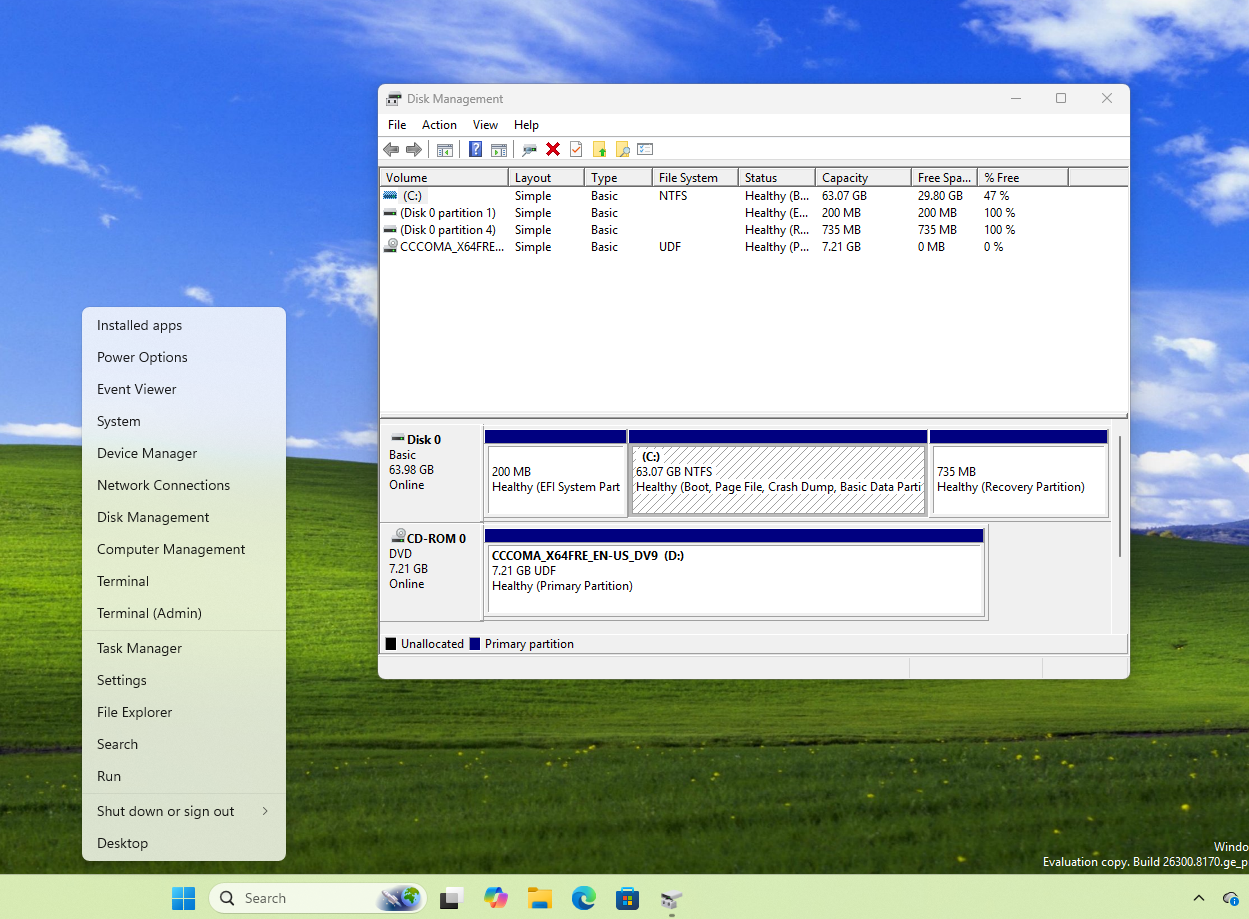
Microsoft’s design teams are acutely aware of these graphical inconsistencies. The company has begun modernizing Windows 11's design, starting with replacing the legacy Control Panel with the modern Settings app. March Rogers and his team are systematically addressing graphical bugs to create a cohesive desktop experience. However, untangling decades-old legacy code is no small feat.
Microsoft has explained that fully phasing out the Control Panel is challenging due to deeply embedded dependencies, such as registry keys and COM objects, which cannot be rewritten overnight without breaking critical administrative tools. This gradual migration has resulted in a fragmented user experience, where sleek modern UI elements coexist with outdated dialog boxes.
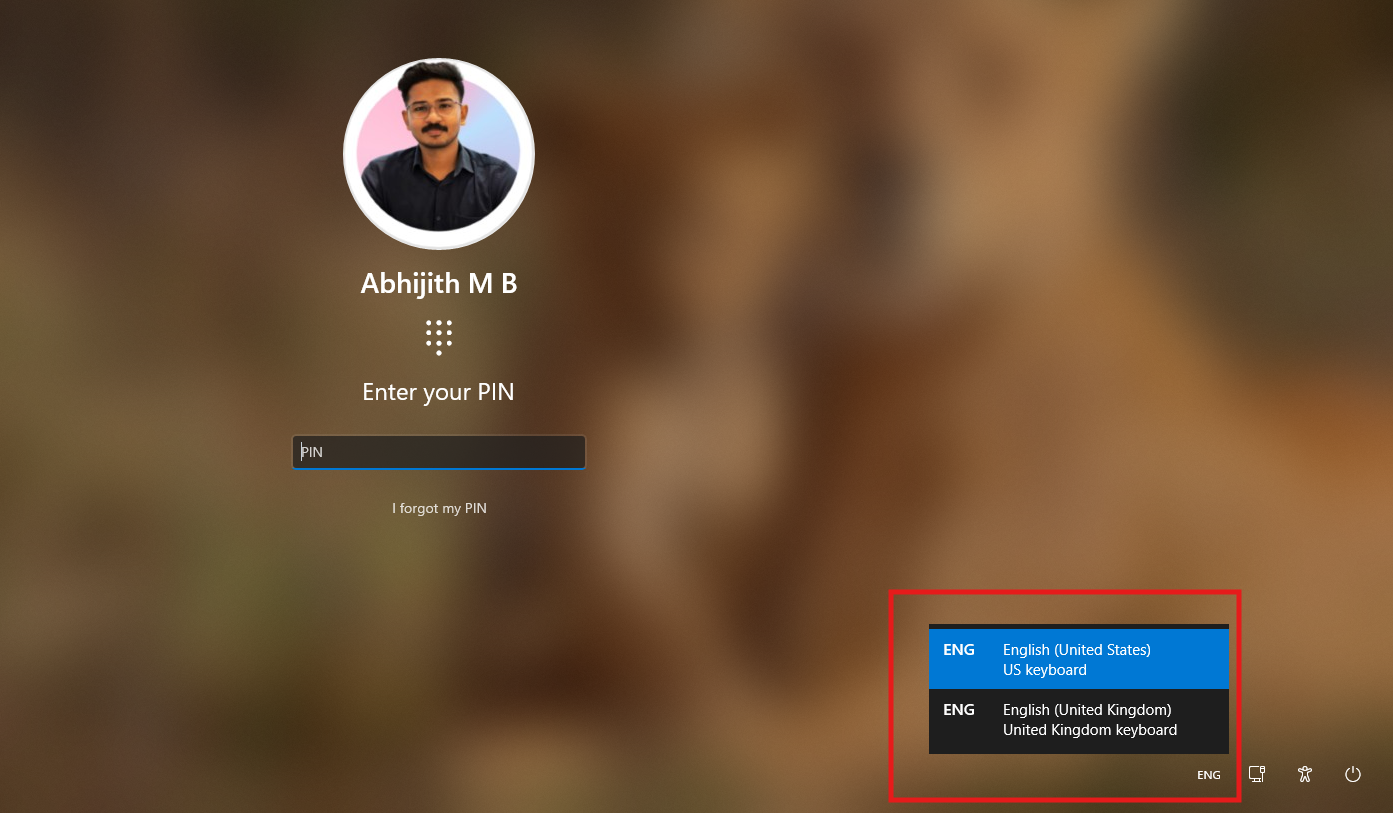
Fortunately, Microsoft has also confirmed efforts to replace outdated Windows 8 UI elements in Windows 11, indicating progress toward a unified design language.
Native WinUI 3 Applications Replacing Bloated Web Wrappers
Recognizing the inefficiencies of web-based app architectures, Microsoft is doubling down on WinUI 3 to reduce reliance on bloated web technologies like WebView2 and React Native.
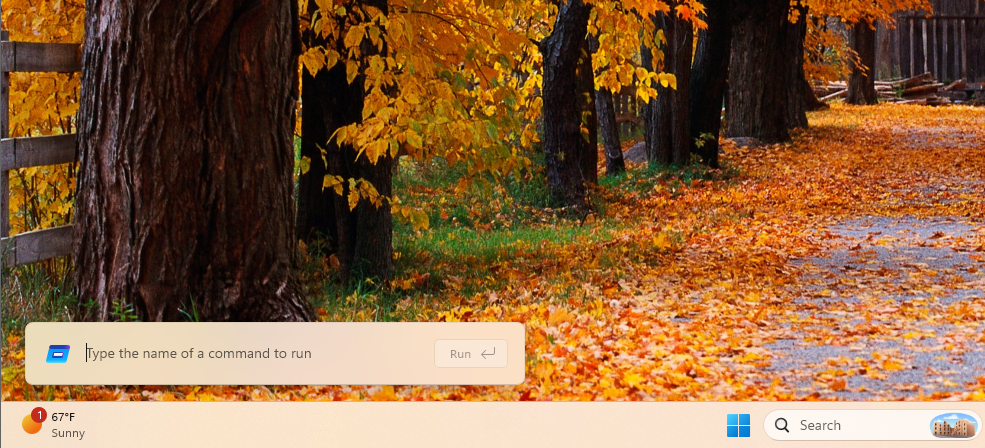
For example, Microsoft has confirmed that the Windows 11 Start Menu will transition from React components to WinUI 3 for enhanced performance. System-level dialog boxes are also being upgraded, with the new Run dialog performing faster than the Windows 95-era version it replaces. This showcases that modern C# and WinUI 3 frameworks can surpass legacy Win32 code when implemented effectively.
The transition extends to other parts of the shell interface. For instance, the legacy File Explorer properties dialog is being replaced with a WinUI 3 version, complete with dark mode support.
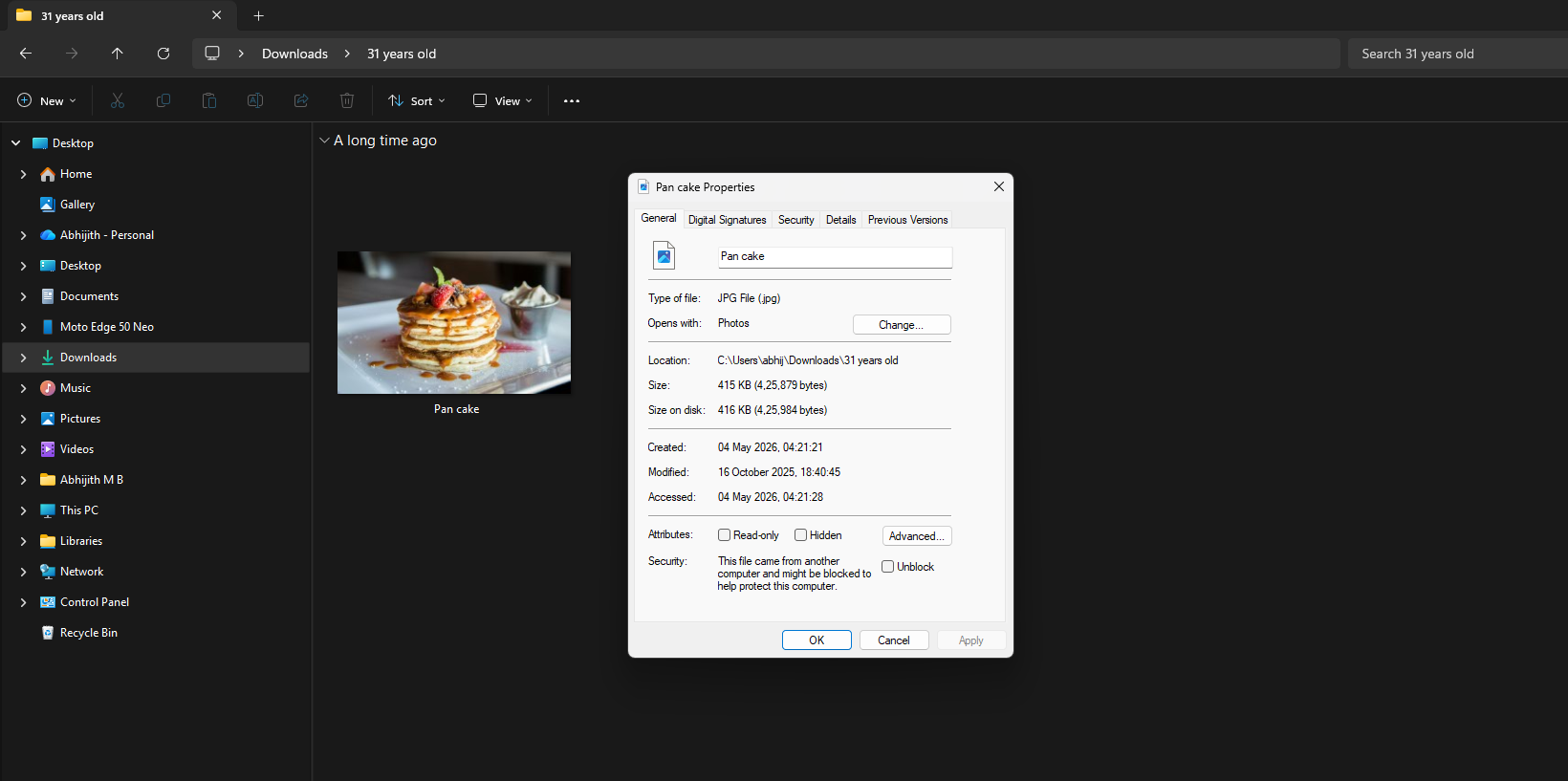
While these developments are promising, the real challenge lies in convincing third-party developers to adopt native Windows app development.
Rebuilding Developer Confidence with Windows App SDK 2.0
For Windows 11 to succeed, third-party developers must embrace WinUI 3. Currently, the ecosystem suffers from slow adoption, with even Microsoft relying on web-based solutions like the sluggish Copilot app. Developers often avoid native tools due to the historical instability of the Windows App SDK, which lacked key features like smooth resizing. These shortcomings have pushed developers toward frameworks like Electron and WebView2 for their reliability.
Meanwhile, macOS continues to attract developers with its highly optimized native frameworks that deliver seamless performance. To change this narrative, Microsoft has introduced Windows App SDK 2.0, which includes new XAML capabilities, modernized storage pickers, semantic versioning, and expanded API support. Additionally, the company has streamlined the development process with powerful command-line tools.
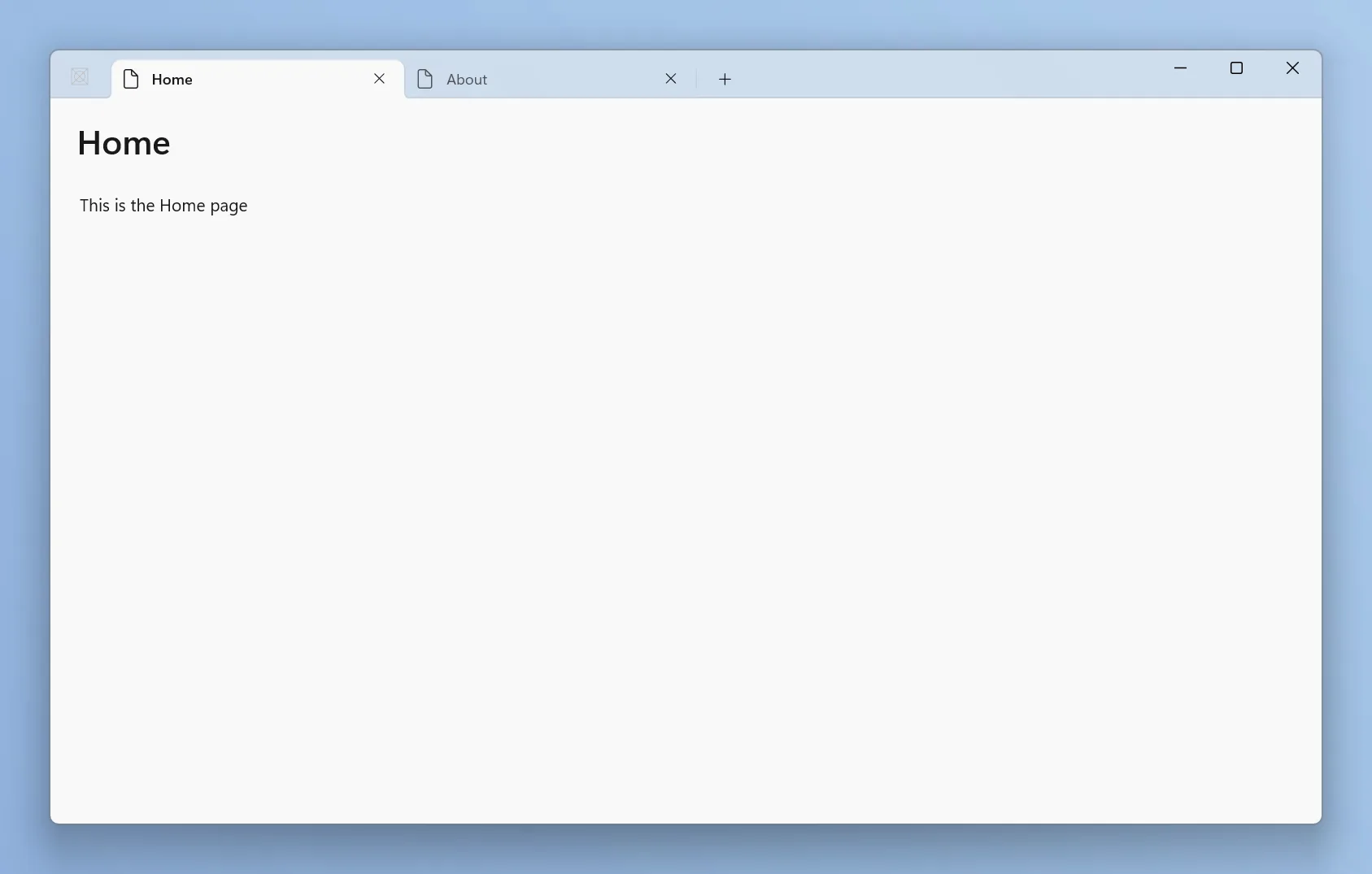
These initiatives, combined with the upcoming smooth resizing feature and hardware-level performance enhancements like the Low Latency Mode introduced in the May update, signal a brighter future for Windows 11. By prioritizing native code, Microsoft aims to restore a premium experience to the Windows platform and move beyond the era of bloated web apps.